Zyflow guides
Guides for running your customer records from an AI app
These guides are for you if you already work in an AI app every day and want it to keep your customer records. They answer three questions: what Claude or ChatGPT can do on its own, whether to build your own CRM or connect one, and what a CRM costs as your team grows.
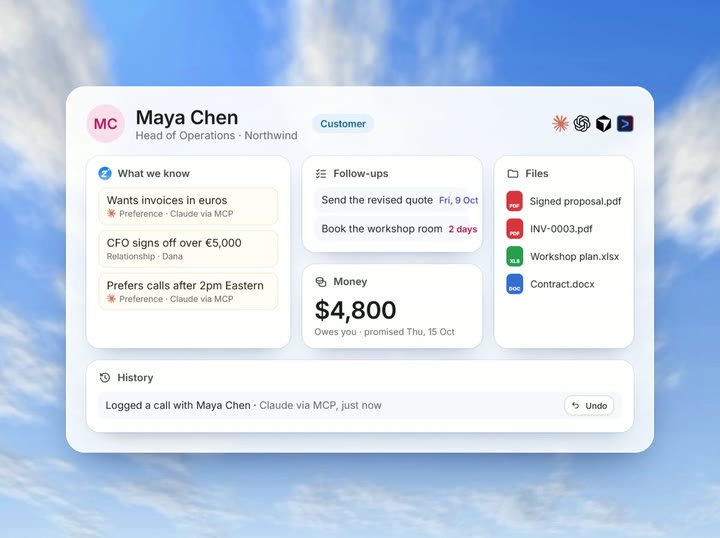
Zyflow is a lightweight small-business CRM your AI app keeps up to date (Claude, Cursor, ChatGPT Business, any MCP app). Every AI change is labeled. Zyflow works with any AI app that supports MCP, the standard way AI apps connect to tools.
Free plan. No card.
Start here: ChatGPT, Claude and build vs connect
Pick the guide for the AI app you use every day. The ChatGPT and Claude guides show what each app keeps on its own and how to connect a CRM it can update.2 The third guide weighs building your own CRM against connecting one.
-
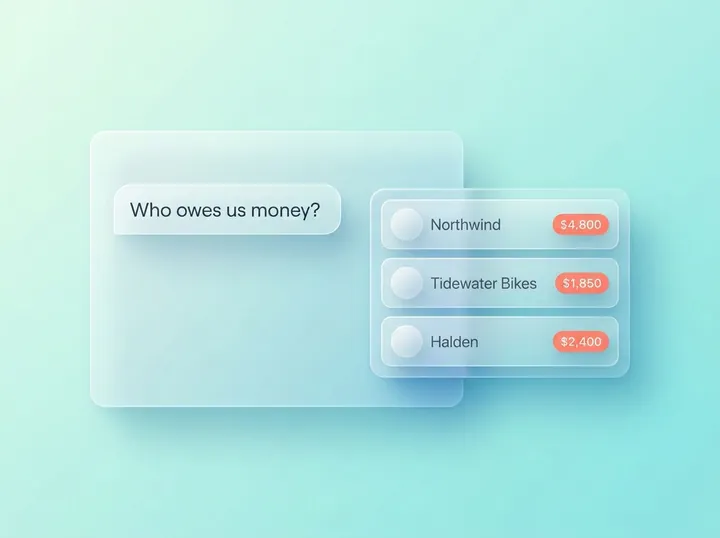
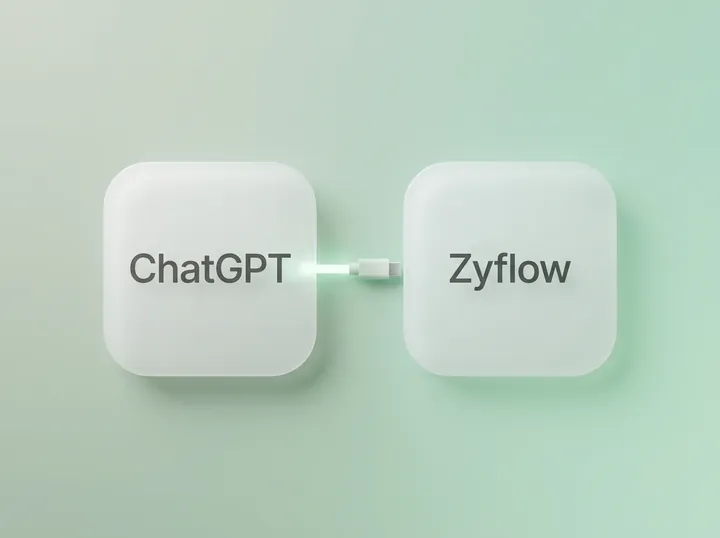
How to use ChatGPT as a CRM
Not on its own. ChatGPT has no lasting customer database. The guide covers what memory and Projects can hold, where they stop and how to connect a CRM ChatGPT can update.
Read this if your client notes live in ChatGPT chats. On ChatGPT Free or Plus? The guide covers what works on your plan.
-
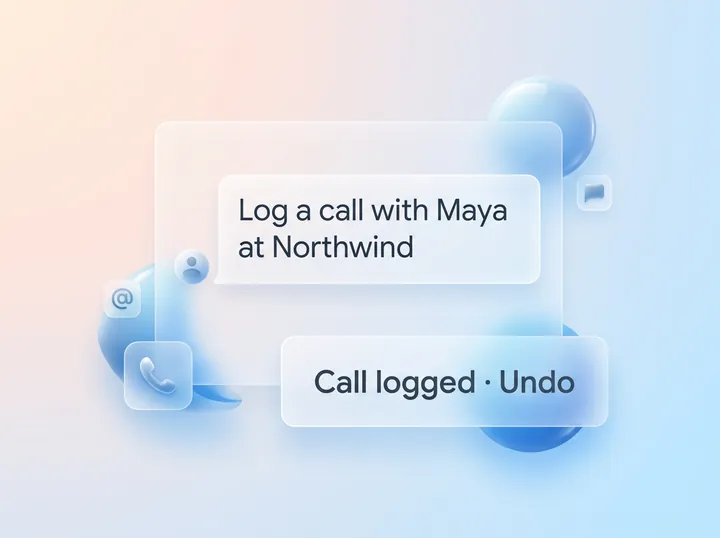
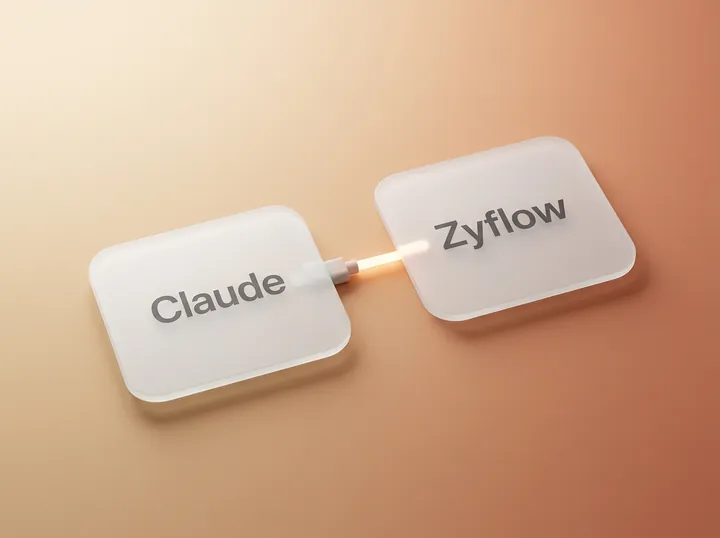
How to use Claude as a CRM
Partly. Claude’s memory, Projects and scheduled tasks can carry client context, but on their own they aren’t a customer record. The guide shows where they stop and how to connect a CRM Claude can update. Connecting works on every Claude plan.
Read this if you keep client context in Claude Projects, chats or files. Using Claude Code? Connecting takes one command.
-
Should you build your own CRM with Claude Code?
Don’t build a CRM for Claude. Connect one. Home-made CRMs break on the boring parts: matching “Sam” to the right Sam, duplicates, undo, sign-in and invoice numbers. Still want to build? The guide walks through two scripts built with Claude Code on Zyflow’s REST API: a weekly report and a website form relay.
Read this if you’re tempted to vibe-code your own CRM.
One page covers the tools your AI app gets, how sign-in works and the safety model: Read the MCP server overview.
Pricing models: per seat, per workspace or credits
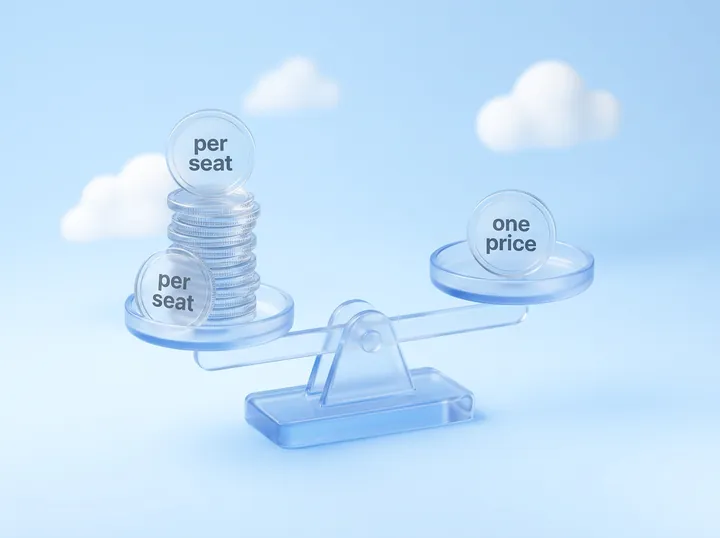
Most CRMs charge per seat, and some add AI credits on top. Before you pick one, price it for the team you expect to have next year.
-

CRMs with unlimited users vs flat-price CRMs: what you really pay
Every “unlimited users” plan we checked meters something else. The guide compares per-seat, per-workspace and credit pricing, and shows what teams of 1 to 30 people pay under each, with every price dated and linked to the vendor’s own page.
Read this if your CRM bill grows with every hire.
How we keep these guides current
Each guide shows when it was last updated and by whom, and every competitor price links the vendor’s own page. Claude and ChatGPT change their plans and features often, so we re-check the AI-app guides regularly.
We make Zyflow, so we have a stake in what these guides recommend. Between them, they also cover the routes without Zyflow: chat on its own, a spreadsheet, other CRMs and building your own.
We check every competitor fact against the vendor’s own page and date it. Where a competitor does something better, we say so. Spot an error? Tell us, and we’ll fix it.
- 1 Undo works within your plan’s history window: 30 days on Free, up to 3 years on paid plans. Deleted items can be restored for 30 days on every plan. Settings changes, such as pipelines, custom fields and tag renames, are logged but can’t be undone.
- 2 Writing to Zyflow from ChatGPT needs developer mode on a ChatGPT Business, Enterprise or Edu plan. It’s in beta, on the web, and an admin switches it on. Claude works on every plan. Checked October 2026.
- 3 Export gives you six CSV files, or one JSON file with your records, documents, change history (up to 100,000 changes) and links to every file. File contents download separately from Files.
Last updated Oct 3, 2026
Your AI talks. Zyflow remembers.
Tell your AI what happened. Zyflow keeps the record.
If your AI gets something wrong, undo it.1 If Zyflow isn’t for you, export your records, documents and history.3
Free plan. No card. Connect your AI in about two minutes.