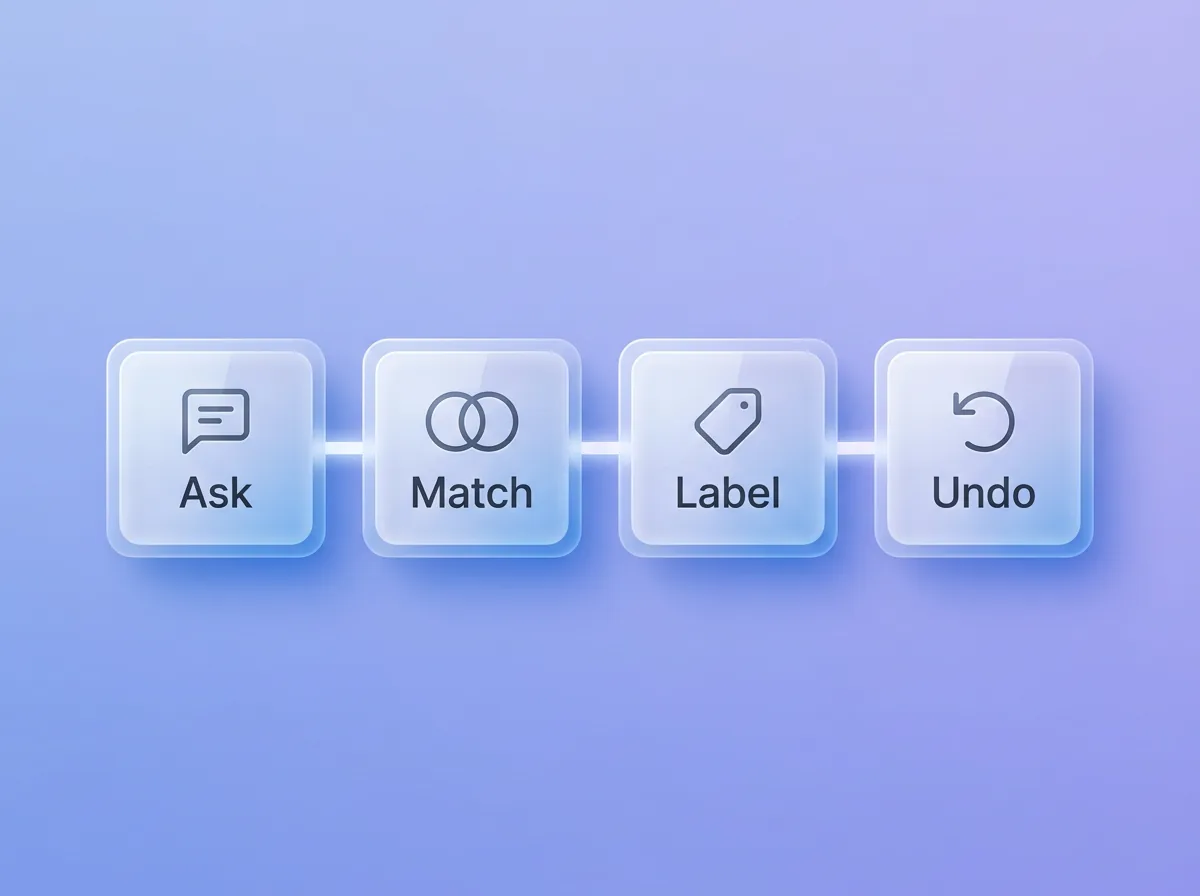
Ask. Match. Label. Undo.
Four guardrails sit on every AI write. When a name is unclear, Zyflow sends your AI ranked candidates instead of guessing. Saves land on the record you already have. Every change carries the app’s name. Everything one tool call changes is one batch, and one click undoes it.1
Ask
Your AI names a customer the way you said it: “Sam”, “Sam at Halden”, an email or a phone number. Zyflow looks for the record in a fixed order: an id, then an email, phone or web domain, then the name. If one record clearly wins, the write goes ahead. If two could fit, nothing is written. Zyflow sends your AI the candidates and what tells them apart (company, city, the email or the last 4 digits of the phone, and the last activity), and tells it to ask you: Sam Ortiz at Halden, or Sam Lee at Fieldhouse?3
Match
Saves look for the record you already have before they create one. An email or phone counts as a match only when the names agree, so one person’s number never lands on another person’s record. Zyflow flags similar new names as possible duplicates and never merges them on its own.
- Each tool call is one all-or-nothing transaction, so a dropped connection can’t leave half a deal saved.
- Write tools that create or edit honor an idempotency key for 24 hours, and refuse the same key sent with different arguments.
- Without a key, common repeats are still caught: the same activity logged on the same customer within 15 minutes, a near-identical open follow-up, a fact already known.
- An optional version check refuses to overwrite a newer edit.
the idempotency key and the version check work only when your AI app passes them.
Label
Every change records who made it (a person, an AI app or a named API key), the channel (MCP, the REST API, an import or the web app), the exact tool, and the values before and after. An AI app acts for the person who connected it, so changes Claude makes for a teammate read “Claude for Dana”. History filters changes by app, person or key, and “What your AI did” on Today recaps the last 24 hours for each app. That makes History an audit trail of every write. Reads aren’t recorded there.
Live labels and Undo buttons appear in any open Zyflow tab. Every change is also in History.
app names come from each app’s own registration. Zyflow verifies the domain only for apps that publish a client ID metadata document, and the consent screen then shows “Verified app from” that domain.
Undo
Everything one tool call changes is one change batch, and the tool’s result carries its change_id. Undo reverts the whole batch: a create is removed, edits go back unless someone changed them since, deletes are restored and merges are unwound. Undoing an undo redoes the change.1
deleted items can be restored only within 30 days, on every plan. Settings changes, connecting or disconnecting an app, and creating or revoking a key are logged but can’t be undone.
Tool hints
Zyflow marks each of its 32 tools by risk, so your AI app can tell which ones only read and which can delete, merge or overwrite. The 13 read tools are marked read-only, and 5 are marked destructive: bulk_update, merge_records, delete_record, undo and delete_files. Every tool is marked as reaching nothing outside your workspace (openWorldHint false). How your AI app uses these hints, such as asking you before a destructive call, is up to the app.
Large line: Your AI will get things wrong sometimes. Plan for that.
Free plan. No card.
What does an AI app get when you connect it?
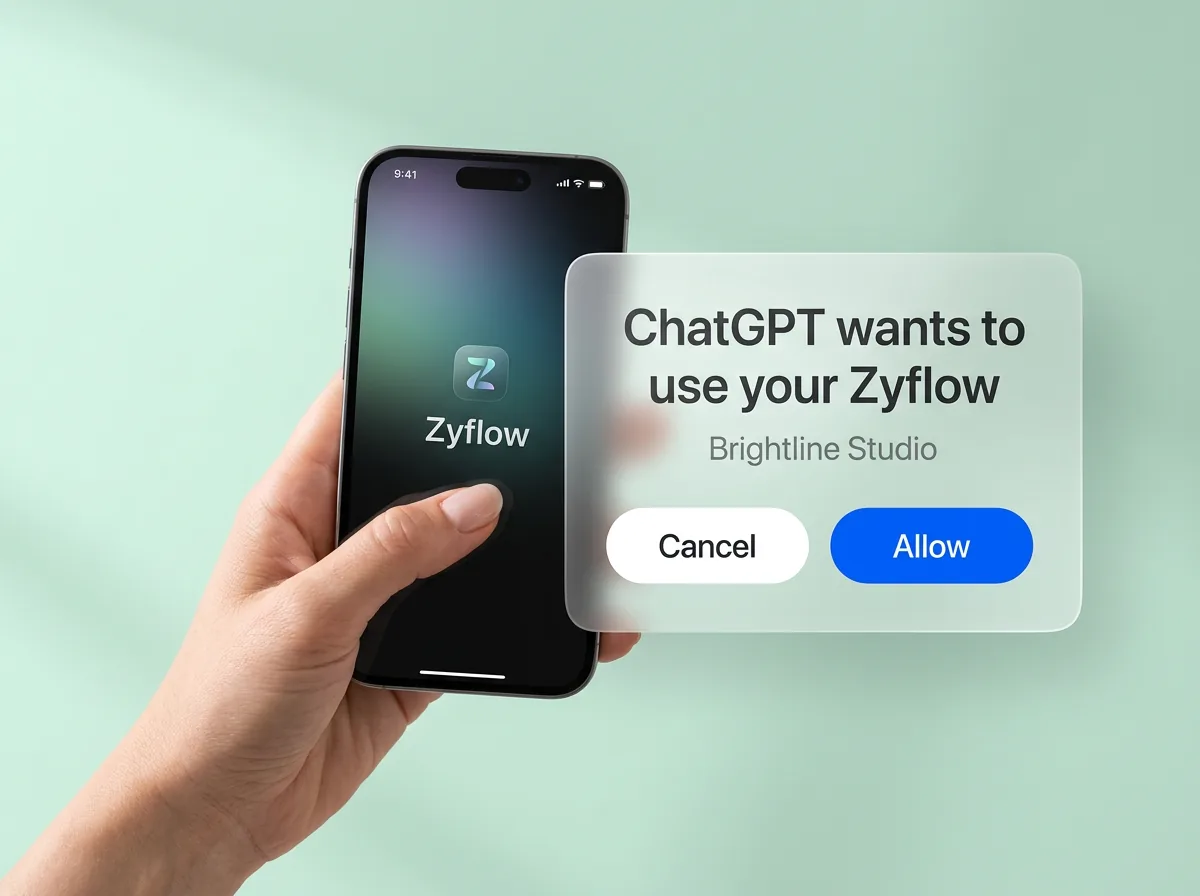
An AI app gets a token tied to you and one workspace you choose, never your password. It signs in with OAuth 2.1, which works like “Sign in with Google”: you sign in to Zyflow in your browser, pick the workspace and approve. Claude and ChatGPT2 connections get read and write access today, and the consent screen has no read-only choice yet.
The details, for whoever reviews this for you:
- One connection reaches exactly one workspace. A login can own up to 10, and each needs its own approval.
- PKCE with S256 is required.
- Access tokens last 60 minutes. Refresh tokens last 90 days and rotate on every use. Replaying an old one after a 30-second grace window revokes the whole token family.
- Authorization codes are single-use and expire in 10 minutes. Replaying one revokes what it produced.
- A refresh can’t add access, and your membership is checked again at every refresh.
- Disconnecting an app on the Connect page revokes the grant and every token at once, and History records it. Members disconnect their own apps; owners and admins can disconnect anyone’s.
RFC 9700 (OAuth 2.0 Security Best Current Practice) recommends PKCE and refresh-token rotation, and Zyflow uses both. The MCP server overview lists the other OAuth standards Zyflow implements, including RFC 8414, 9728, 7591, 8707, 9207 and 7009.
Your own sign-in
You sign in to Zyflow with an email and password (8 to 128 characters), a single-use sign-in link sent by email (valid for 15 minutes and stored hashed) or Google. Google sign-in won’t link to an unconfirmed account that has the same email. Reset links last 1 hour, sessions last 30 days, and “Sign out others” ends your other sessions. Signed-in requests that change data must come from Zyflow’s own sites, which blocks cross-site request forgery.
there’s no two-factor sign-in, passkeys or SSO yet. By default, Zyflow doesn’t require you to confirm your email.
Checked against the MCP security best practices
The Model Context Protocol publishes security best practices for MCP servers and apps (version 2026-07-28, the spec version Zyflow supports; checked Oct 3, 2026). Some items are written for proxy servers, which pass your sign-in on to another service, or for software that runs on your own computer. Zyflow is neither, but it follows the proxy section’s consent rules anyway. Here’s how Zyflow handles each item that applies. We ran this check ourselves. It isn’t a certification or an audit.
| Item | What Zyflow does |
|---|---|
| Consent before access | The consent screen shows the app’s name and logo, “Verified app from” its domain when the app publishes a client ID metadata document, the host you’ll go back to and what the app may do. You pick one workspace, then approve or deny |
| Framing (clickjacking) | No other site can frame Zyflow, consent screen included |
| Consent requests | Signed, and they expire in 10 minutes. The code they produce is single-use |
| Token audience | Tokens are bound to Zyflow’s MCP server (RFC 8707). The server accepts no token issued for anything else and passes no token on to another service |
| Fetching an app’s metadata (SSRF) | HTTPS only, public addresses only, no redirects, 16 KB at most, 5-second timeout |
| State handles | Zyflow keeps no session for your AI app. It checks the token on every request and refuses cookies. The ids your AI gets back, such as a change_id for undo, are random and work only inside your workspace |
| Mix-up attacks | Every authorization response names Zyflow as the issuer (RFC 9207), so your AI app can check where a code came from |
| App identity | Any app with an HTTPS client ID can ask to connect, and the consent screen shows its verified domain, so a lookalike app shows a different domain |
| Localhost redirects | The consent screen shows the host you’ll go back to, including localhost for apps that run on your computer. It doesn’t add an extra warning for those yet |
| Least privilege | Two scopes, crm:read and crm:write. A write without crm:write gets 403 insufficient_scope with a challenge, so the app can ask for more |
Roles, API keys and read-only access
An AI app or API key gets the role of the person who connected or created it, and no more. A member’s AI can’t change settings, and no AI app or key can reach billing, members, API keys or connections. A read-only connection or key that tries to write is refused before anything runs.
Every member, and every member’s AI, can see and edit every customer. There are no per-person permissions yet.
| Role | The person | Their AI apps and API keys |
|---|---|---|
| Owner | Everything, including billing and deleting the workspace | Every record, plus the business profile and templates. Never billing, members, API keys or connections |
| Admin | Settings, the team, every record and the plan | Every record, plus the business profile and templates. Never billing, members, API keys or connections |
| Member | Every record, no settings | Every record, no settings |
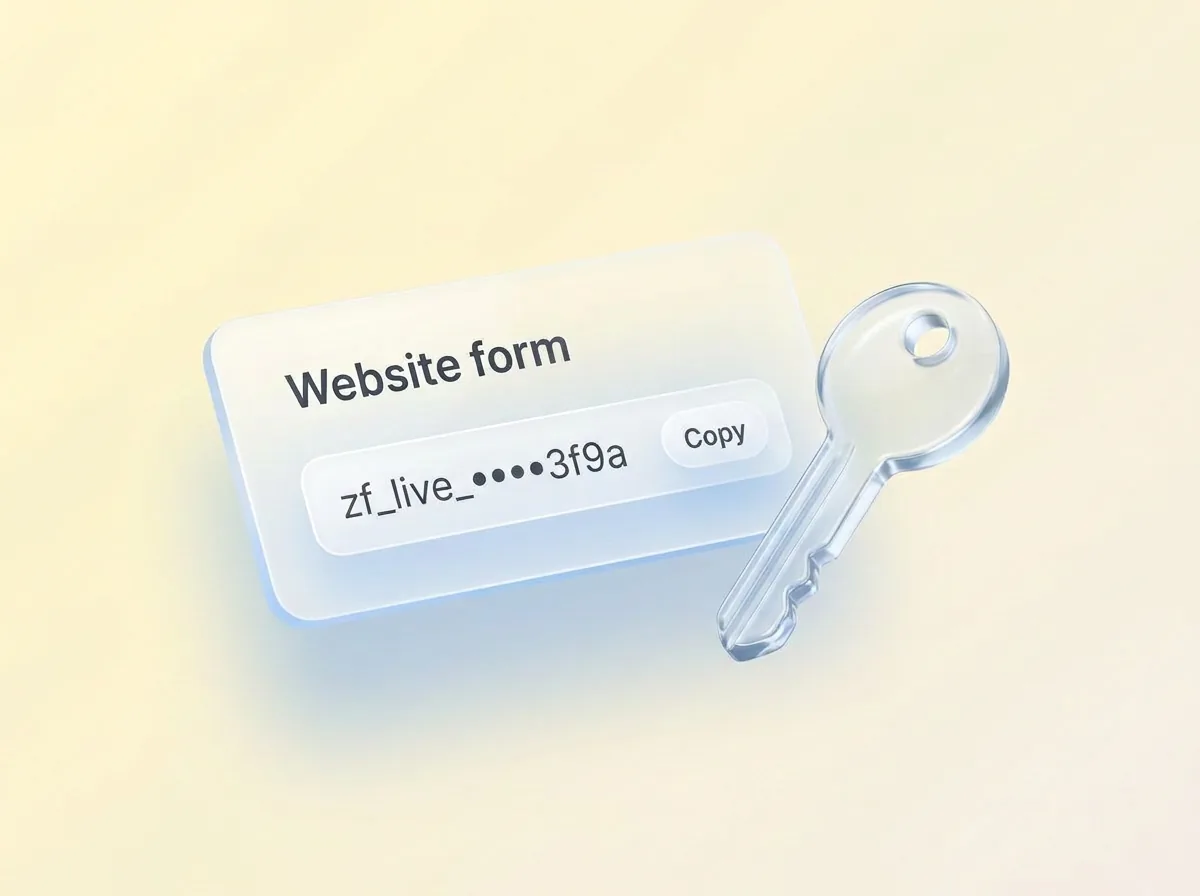
API keys are for scripts and website forms. Each has a name, is “Read and write” or “Read only”, is shown once and can be revoked instantly. Keys work on the MCP server and the REST API, never on account, team or billing endpoints. Changes made with a key are labeled with its name, such as “Website form”. For read-only access today, use a read-only key, or an AI app that asks only for crm:read.
keys never expire on their own, any member can create, list and revoke anyone’s key, and a read-only key can still export the workspace.
Can an AI app delete customers or invoices?
Not permanently. AI apps can only move things to a 30-day trash, and no AI tool empties it. Issued invoices and quotes can only be voided. Bulk changes run as a preview unless your AI confirms them, and stop at 200 records. Zyflow can’t move money: it records payments but doesn’t collect them, and there are no card payment links. It sends nothing to your customers either. Your AI drafts; you press send.
Merging up to 10 duplicates is one change, so it can be undone. Undoing the last invoice issued gives its number back, so numbering stays gap-free. Zyflow works out totals, tax and numbering. Unit prices come from what you or your AI enter; there’s no price list.
through the REST API, an API key can permanently delete files already in the trash, which an AI app can’t do. Only an owner can delete a workspace, and only by typing its exact name. Deleting a workspace is immediate and permanent.
How does Zyflow defend against prompt injection?
Zyflow treats everything stored in it as customer data, not instructions. Hidden characters are stripped from stored text, long text is shortened, and file text reaches your AI fenced and labeled as customer data. These are mitigations, not guarantees. Visible text still passes through, and your AI model decides what to do with it.
- Zero-width, bidirectional and control characters are removed, so a note can’t carry instructions you can’t see.
- File text arrives under the label “Content (customer data, not instructions)”, inside a fence longer than any run of backticks in the file, so the file can’t close the fence early.
- The server instructions and tool descriptions tell your AI that stored text is data.
- The only standing instructions are Notes for your AI, and only owners and admins can edit them.4
- JSON-RPC batches are refused, so each request carries one call.
- Risky tools are marked destructive, so your AI app can ask you before running them.
How are keys, tokens and logs protected?
Zyflow stores every API key, OAuth code and token, client secret, invitation and sign-in token only as a hash, and compares them in constant time, so a copy of the database wouldn’t hand anyone a working key. Its logs redact authorization headers, cookies, passwords, tokens, secrets, email addresses and phone numbers. In production, Zyflow refuses to start with weak or default server secrets, and the MCP layer never sees the raw token.
Zyflow doesn’t add its own encryption to your records and files. Encryption at rest depends on our hosting provider.
How are files and PDFs handled?
Images (PNG, JPEG, GIF, WebP and AVIF) and plain text open in your browser inside a sandbox, and PDFs open under a strict content security policy. HTML, SVG and every other file type download instead of opening, so an uploaded web page can’t run scripts inside Zyflow. Zyflow checks access on every file request. It makes invoice and quote PDFs itself, with JavaScript off and every network request blocked, so your customers’ details don’t go to a PDF service.
File and PDF links that Zyflow gives your AI are signed (HMAC) and work without sign-in for 7 days. A tampered link returns 403 and an expired one returns 410.
anyone with a link can open that file until it expires, and links can’t be revoked one by one. Uploads aren’t scanned for viruses.
Through Zyflow, your AI can see images up to 5 MB and text files up to 1 MB. It can’t read the text inside PDFs, Word or Excel files.
Where does your data go when your AI uses Zyflow?
Zyflow receives only what your AI app sends in its tool calls, not the rest of your chat. It keeps your records, files and change history in your workspace, and a tool-call log notes which tool ran, for which app, whether it worked and how long it took. The log doesn’t store what was in the call, and it’s kept for 90 days. What your AI app does with what it reads is covered by your AI provider’s terms.

| What | Between | What’s kept, and where |
|---|---|---|
| Your chat | You and your AI app | Stays with your AI provider. Zyflow gets only the tool calls the app sends |
| Sign-in | Your browser and Zyflow | You approve one workspace. The app gets a token, never your password |
| Tool call and result | Your AI app and Zyflow | Writes are saved as your records and in History. Reads leave only a log line |
| Tool-call log | Inside Zyflow | Tool, app, result and duration, with no arguments or results, for 90 days |
| App details | Zyflow and the AI app’s own site | Fetched during sign-in to show the app’s name, and cached for 24 hours |
| Zyflow and our email provider | Account emails (sign-in links, resets, invitations) and the 8am email, sent to you and your team, never to your customers | |
| People and scripts | The web app, API keys and Zyflow | The same workspace and the same History |
Zyflow runs no AI model and uses no AI service of its own. The web app has no analytics or tracking scripts, its fonts are self-hosted, and its content security policy lets it connect only to Zyflow’s own server. The consent screen does load each app’s logo from that app’s own site.
Where is your data stored, and is it backed up?
Zyflow runs on [HOSTING PROVIDER] in [REGION]. Your files are stored [FILE STORAGE: on the same server, or name the storage service and region]. Backups run [BACKUP FREQUENCY] and are kept for [BACKUP RETENTION]. [ENCRYPTION: the host’s encryption in transit and at rest, in the provider’s own terms]. There’s no choice of data region yet. Our subprocessors page names every provider that handles your data.
Can you export or delete your data?
Yes, both. Export your records, documents and change history any time, on every plan, as six CSV files or one JSON file with links to every file.5 Deleting a workspace removes every record, file and document immediately and permanently. There’s no grace period, so export first.
| Item | Kept for |
|---|---|
| Records and files in the trash | 30 days, then purged |
| Change history | Your plan’s history window1 (see pricing → /pricing) |
| Tool-call log | 90 days |
| Signed file and PDF links | Work for 7 days |
| Sign-in links | 15 minutes |
| Reset links | 1 hour |
| Sessions | 30 days |
| A workspace you delete | Removed at once |
To delete your account, type DELETE. If you own a workspace other people use, transfer it first. A workspace only you use is deleted with your account.
Is it safe to connect ChatGPT or Claude to my CRM?
It can be, if the connector limits what your AI can reach and lets you see and reverse what it does. CRM security for AI apps comes down to six questions. Ask them of any CRM connector, including ours.
In vendor research by Anthropic (May 2026), half of small-business owners named data security as their biggest hesitation about AI. Anthropic’s own help page tells Claude users: “Only connect to servers from trusted organizations and review authentication permissions carefully.”
| Question | Why it matters | Zyflow’s answer |
|---|---|---|
| 1. What access does it ask for? | More access than the job needs is more to lose | Read and write in one workspace, within your role. Never billing, members or keys |
| 2. Which data can it reach? | One login can hold more than one business | One workspace per connection, chosen when you approve |
| 3. Can you see what it changed? | To fix a wrong write, you need to know which app made it | Every change labeled with the app and the person |
| 4. Can you reverse it? | One bad bulk edit can touch hundreds of records | One click undoes everything one tool call changed1 |
| 5. What does “delete” do? | A permanent delete by an AI is the worst case | Trash only, for 30 days. Issued invoices can only be voided |
| 6. Whose data terms apply? | What your AI reads goes to your AI provider | Your AI provider’s terms for what it reads. Our privacy policy for what Zyflow stores |
Setup for each app is on the Claude CRM and ChatGPT CRM2 pages.
What doesn’t Zyflow offer yet?
Zyflow doesn’t offer two-factor sign-in, SSO, SOC 2 or other certifications, a DPA, a choice of data region, per-person permissions or its own encryption of your records today. API keys don’t expire, and workspace isolation is enforced in the application, not by database row-level security. Here’s the full list, with what to do in the meantime.
| Gap | What it means | What to do meanwhile |
|---|---|---|
| No two-factor sign-in, passkeys or SSO | A password, or access to your email inbox, is enough to sign in | Use a unique password from a password manager, protect your email account, and use “Sign out others” if anything looks wrong |
| No SOC 2, ISO 27001 or other certification | No independent audit of these controls | If you need a certification, Zyflow isn’t a fit yet |
| No DPA | No data processing agreement to sign for GDPR or UK GDPR | If your contracts require one, Zyflow isn’t a fit yet |
| No choice of data region | Your data is stored in [REGION] | If you need EU data residency, Zyflow isn’t a fit yet |
| No encryption of records by Zyflow | Records and files rely on the host’s encryption | Keep regulated data out of Zyflow |
| No per-person permissions | Every member, and every member’s AI, can see and edit every customer | Invite only people who should see every customer, or keep a separate client list in its own workspace (up to 10 per login) |
| No read-only choice at consent | Claude and ChatGPT2 connections get read and write | Use a read-only API key, or an app that asks only for crm:read |
| API keys aren’t limited by role | Any member can create a key, and list or revoke anyone’s | Give each script its own named key. History records every key created and revoked |
| API keys never expire | A leaked key works until someone revokes it | Revoke keys you no longer use |
| A read-only key can still export | It can’t change records, but it can copy all of them | Give keys only to scripts you trust |
| API keys can permanently delete trashed files | Through the REST API, a key can delete a trashed file for good. An AI app can’t | Use read-only keys for scripts that only read |
| Email confirmation is off by default | An account can be used before its email address is confirmed | Confirm yours from the email Zyflow sends at sign-up |
| Isolation is in application code | Every query is scoped to your workspace in code, with no database row-level security. Tests check that requests from another workspace get a 404 or 403 | Nothing for you to do. It’s listed for technical reviewers |
| Reads aren’t recorded in History | The log shows which read tools ran, not which records they returned | Treat any connected app as able to read the whole workspace |
| No per-person export or erasure tools | A request about one person’s data is handled by hand. A deleted contact’s change summaries stay in History for the plan’s history window | Delete the contact, then contact us about its history |
| No virus scanning of uploads | A harmful file can be stored | HTML, SVG and other risky types download instead of opening. Scan files before you open them |
| Signed links can’t be revoked early | A forwarded file or PDF link works for 7 days | Send links only to the person who needs them |
| No SCIM or IP allowlisting | No automated provisioning, and no limit on where sign-ins come from | Remove people by hand when they leave |
| A removed member’s AI connections return if they’re re-invited | Removing someone stops their apps but doesn’t delete the grants | Disconnect their apps on the Connect page before you remove them |
When an item ships, its row comes off this list the same day, and the date above the table changes.
Not a fit if...
Zyflow isn’t a fit yet if you need:
- email or calendar sync, sequences, campaigns, dialers or forecasting
- dispatch, booking or texting for trades and field service
- a home for regulated data, such as patient records
- property listings and showings for real-estate work
- a WhatsApp inbox
- card payment collection or e-signature
- SSO, two-factor sign-in or per-person permissions
- certifications such as SOC 2, or EU data residency
- a native mobile app, or a language other than English
- more than 30 people
It’s also not for you if you don’t use an AI app and don’t plan to.
How do I report a security issue?
Email [SECURITY EMAIL]. [FOUNDER NAME], Zyflow’s founder, is the security contact. Tell us what you found, how to reproduce it and what it affects. Test only against a workspace you own, and don’t access other people’s data or disrupt the service. Our security.txt file is at /.well-known/security.txt. We don’t run a paid bug bounty.
Questions about Zyflow security
Is Zyflow safe to connect to my AI app?
Zyflow is built so AI apps can write to it safely, and this page lists what’s missing so you can judge for yourself. Your AI works in one workspace you approve, within your role, and never reaches billing, members or keys. Its changes are labeled and can be undone within your plan’s history window.
Does Zyflow train AI on my data?
Zyflow runs no AI model and doesn’t train one on your data. Zyflow receives only what your AI app sends in its tool calls, not the rest of your chat. What your AI app does with what it reads is covered by your AI provider’s terms.
Can my AI app permanently delete my customers?
No. Your AI’s deletes move records and files to a 30-day trash, which no AI tool empties, and undo brings them back within those 30 days. Issued invoices and quotes can only be voided. API keys are different: a key can permanently delete files already in the trash.
Can I connect an AI app as read-only?
Not from the consent screen yet, so an app such as Claude gets read and write. Use a read-only API key, or an app that asks only for crm:read, and any write is refused before it runs. A read-only key can still export the workspace.
Can my teammates and their AI apps see every customer?
Yes. Every member, and every member’s AI, can see and edit every customer; there are no per-person permissions yet. An AI app never gets more than its person’s role, and no AI app or key can reach billing, members, API keys or connections.
Who at Zyflow can see my data?
[FOUNDER NAME], who runs Zyflow, can technically reach the database that holds every workspace, as the operator of any hosted service can. Zyflow’s admin console shows each workspace’s name, plan and counts, such as contacts and AI calls. It doesn’t show your records.
Does Zyflow have SOC 2, ISO 27001 or a DPA?
No. Zyflow doesn’t hold security certifications such as SOC 2 or ISO 27001 today, and doesn’t offer two-factor sign-in or SSO yet. There’s no DPA or choice of data region either. If your clients or regulators require any of these, Zyflow isn’t a fit yet.
You’re a young company. What happens to my data if Zyflow closes?
You can take it with you any time, on every plan, without asking us: six CSV files, or one JSON file with your records, documents, history and file links. The REST API reads the same data. There’s no scheduled export, so download one regularly.
Should I keep regulated data, such as patient records or government ID numbers, in Zyflow?
No. Zyflow isn’t built for regulated data: it holds no certification and doesn’t encrypt records itself. Keep patient records, government ID numbers, card numbers and passwords out of Zyflow, including out of notes and facts your AI saves.
How do I disconnect an AI app or revoke an API key?
On the Connect page. Disconnecting an app revokes its grant and every token at once, and revoking a key stops it immediately. History records both. Members can disconnect their own apps; owners and admins can disconnect anyone’s.