October 2026
What works on day one, and what doesn't
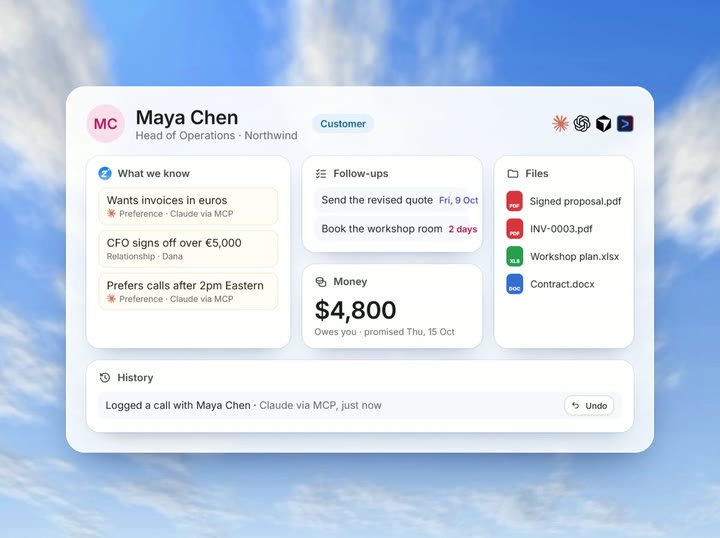
Zyflow is live and free, with customer records, memory, follow-ups, invoices and quotes, files, and a labeled History of every AI change. Every plan, any MCP app.
Zyflow release notes
The Zyflow changelog lists what’s new in Zyflow, newest first. Each entry is dated the day the change went live, says what it means for you and your AI, and links to the page it changes.
Free plan. No card.
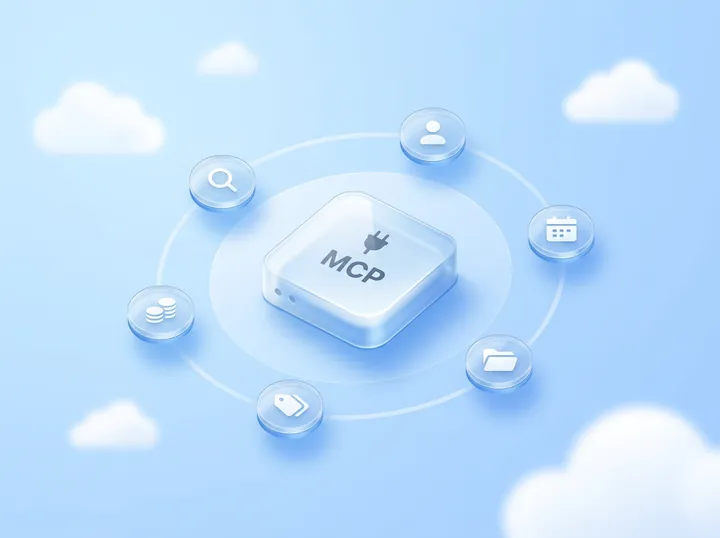
Zyflow is a lightweight small-business CRM your AI app keeps up to date (Claude, Cursor, ChatGPT Business, any MCP app). Every AI change is labeled. Zyflow works with any AI app that supports MCP, the standard way AI apps connect to tools.

October 2026
Zyflow is live and free, with customer records, memory, follow-ups, invoices and quotes, files, and a labeled History of every AI change. Every plan, any MCP app.
An entry goes up after a change is live in Zyflow, dated the day it went live. Each entry says what changed, which plans and AI apps get it, how to use it from your AI and what its limits are. It links to the page it changes.
If a change affects the tools your AI app uses, the entry says whether you need to do anything. Small fixes are grouped into one round-up entry. There’s no public roadmap: plans and ideas don’t appear here until they ship.
Add the RSS feed to any feed reader, and each new entry arrives with its date, tags and full text. There’s no email list or newsletter, so RSS is the way to follow along.
https://zyflowcrm.com/changelog/rss.xml
To see how each tool works today, read the MCP reference. Entries that change a tool link to it.
Last updated October 2026 by [FOUNDER NAME]
Your AI talks. Zyflow remembers.
If your AI gets something wrong, undo it.1 If Zyflow isn’t for you, export your records, documents and history.2
Free plan. No card. Connect your AI in about two minutes.