Integrations
Every AI app that works with Zyflow, and on which plan
Claude works with Zyflow on every Claude plan, and ChatGPT can write to it in developer mode on Business, Enterprise or Edu plans.2 Check that your app and plan work before you sign up, then connect with one link.
Zyflow’s integrations start with the AI app you already use. Zyflow works with any AI app that supports MCP, the standard way AI apps connect to tools. Zyflow is a lightweight small-business CRM your AI app keeps up to date (Claude, Cursor, ChatGPT Business, any MCP app). Every AI change is labeled.
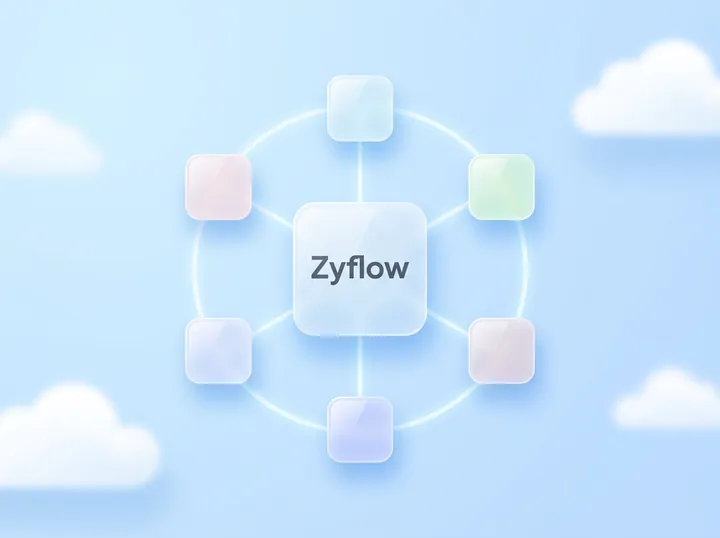
Zyflow connects to AI apps, not directly to Gmail, QuickBooks or your other tools. Your AI app is the hub, and Zyflow is the customer record underneath it.
Which AI apps work with Zyflow?
Zyflow works with Claude on every Claude plan, with ChatGPT on Business, Enterprise or Edu plans in developer mode,2 and with Claude Code, Cursor, VS Code, Gemini CLI, Windsurf and any other AI app that supports MCP. Every app uses the same Zyflow link and works on the same customer records.
-
Connector built by Zyflow
Claude
What works: Reads and writes on every Claude plan. Claude Free allows one custom connector, so on Free, Zyflow uses that slot.
Setup: Paste one link as a custom connector, then sign in and approve. About two minutes.
-
Connector built by Zyflow
ChatGPT
What works: Reads and writes in developer mode on Business, Enterprise or Edu, once an admin switches it on.2 Other ChatGPT plans can’t write to Zyflow today.
Setup: Turn on developer mode, then paste one link and sign in.
-
Connector built by Zyflow
Claude Code
What works: Reads and writes.
Setup: One command in your terminal, then sign in.
-
Connector built by Zyflow
Cursor
What works: Reads and writes.
Setup: One-click install, or a few lines in mcp.json.
-
Connector built by Zyflow
VS Code
What works: Reads and writes, from Copilot Chat in agent mode.
Setup: One-click install.
-
Connector built by Zyflow
Gemini CLI
What works: Reads and writes, with a paid Gemini API key or a Gemini Code Assist Standard or Enterprise license.4
Setup: A few lines in settings.json, then sign in.
-
Connector built by Zyflow
Windsurf
What works: Reads and writes.
Setup: A few lines in mcp_config.json, then sign in if it asks.
-
Connector built by Zyflow
Other MCP apps
What works: Reads and writes. Any app that supports MCP can use your Zyflow link. Apps that need a fixed token use an API key, and apps that can only start local MCP servers use the bridge, one MIT-licensed file.
Setup: Paste one link, use an API key, or run the bridge.
Whichever app makes a change, Zyflow labels it with that app’s name (“Added by Claude via MCP”), and you can undo it.1 Each connection reaches only the one workspace you approved. Your AI app never gets your password, and it can’t touch billing, members or keys. AI apps never count as people on your plan.
Which AI plans work?
Claude reads and writes Zyflow on every Claude plan, including Free. ChatGPT needs developer mode on Business, Enterprise or Edu to write.2 Gemini CLI needs a paid Gemini API key or a Gemini Code Assist Standard or Enterprise license.4 Claude Code, Cursor, VS Code and Windsurf work within the usage limits of your plan with each app.
| App | Plan | Reads and writes | What you need to know |
|---|---|---|---|
| Claude | Free | Yes | One custom connector on Free, so Zyflow uses that slot |
| Claude | Pro, Max | Yes | Add Zyflow as a custom connector yourself |
| Claude | Team, Enterprise | Yes | A Claude Owner adds custom connectors for the organization first; then each person connects |
| ChatGPT | Business, Enterprise, Edu | Yes | Developer mode, on the web, in beta. An admin switches it on |
| ChatGPT | Plus, Pro, Go, Free | No writes today | Use Claude, which works on every plan |
| Claude Code | Your plan | Yes | Your app’s own plan and usage limits apply |
| Cursor | Your plan | Yes | Your app’s own plan and usage limits apply |
| VS Code | Your plan | Yes | Copilot Chat in agent mode. Your Copilot plan’s limits apply |
| Windsurf | Your plan | Yes | Your app’s own plan and usage limits apply |
| Gemini CLI | Paid Gemini API key, or Code Assist Standard or Enterprise | Yes | Since Jun 18, 2026, Google serves Gemini CLI only to these users |
| Gemini app | Any | No | Not supported yet. Gemini CLI is |
| Other MCP apps and scripts | Any | Yes | Your Zyflow link, an API key or the bridge. A read-only key can’t write |
On ChatGPT Plus or Free? Claude works on every plan, including Claude Free.
Checked October 2026. Claude’s rules come from Anthropic’s help center, ChatGPT’s from OpenAI’s help center, and Gemini CLI’s from the Google Developers Blog. Apps listed in Claude’s or ChatGPT’s directories can follow different plan rules from custom connectors. Zyflow isn’t listed in either yet.
Spot an error? Tell us.
Free plan. No card.
Can I give an AI app read-only access?
Yes, with a read-only API key, for AI apps that take a key or use the one-file bridge. Zyflow blocks every write from a read-only key before anything changes. Claude and ChatGPT sign in with read and write today, and there’s no read-only switch when you connect. A read-only key can still export the workspace.
Create a key on the Connect page, then set it up as you would for other MCP apps. An AI app can never do more than the person who connected it. Disconnect an app in one click, and its access stops at once.
Every member, and every member’s AI, can see and edit every customer. There are no per-person permissions yet.
Does Zyflow work with Zapier, Make or n8n?
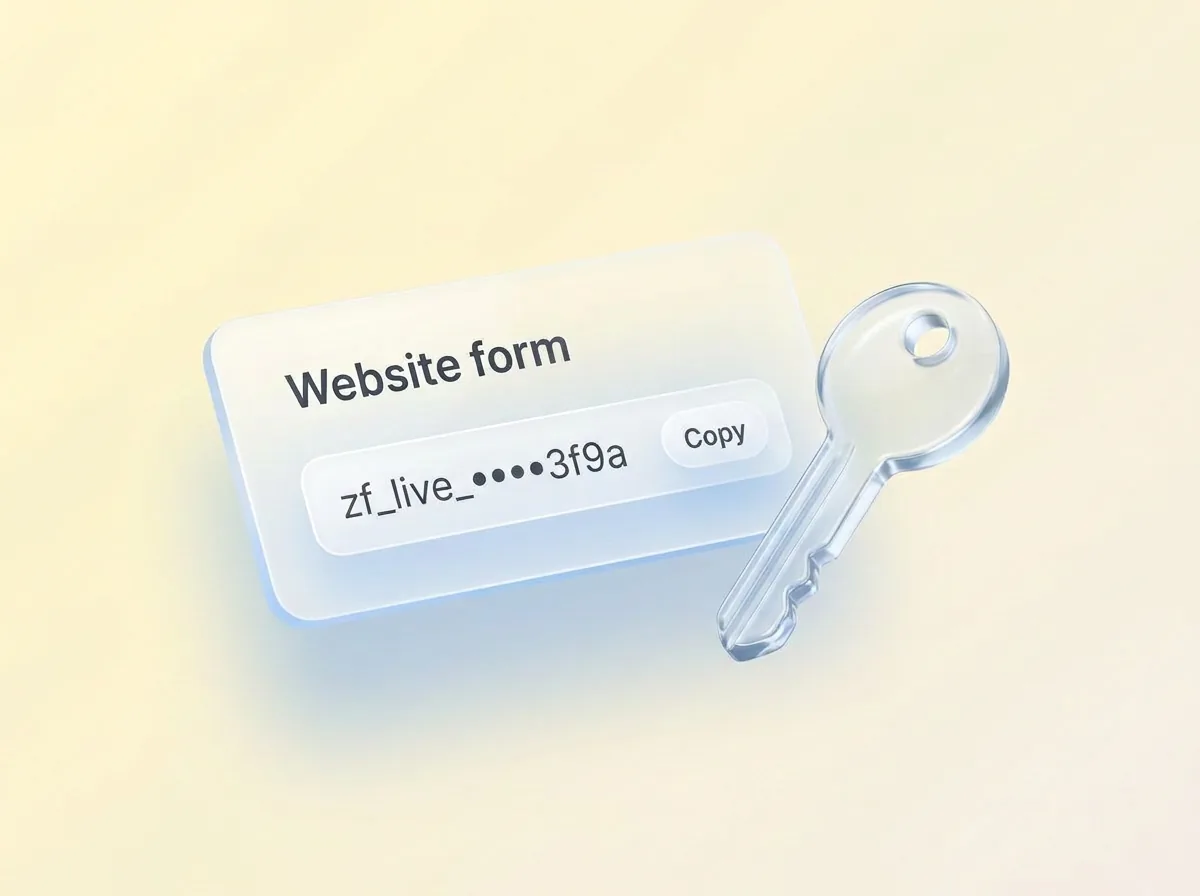
Not as an app. Zyflow has no Zapier, Make or n8n app, and no webhooks. Scripts, website forms and automation tools with an HTTP step can call Zyflow’s REST API with a named API key, from a server. Changes made with a key show the key’s name in History.
- The REST API at /api/v1 does the same things your AI can do through MCP: customers, deals, follow-ups, money owed, files, invoices and quotes, history and undo. It has an OpenAPI reference.
- Every key has a name, so History shows “Website form” next to the change, and you can undo it.1
- Call it from a server, never from browser code. The API accepts browser requests only from Zyflow’s own sites, and anyone who has one of your keys can export your workspace with it.
- The limits page lists how many keys each plan gets.
Building on MCP directly? The CRM MCP server page covers the tools, the sign-in and the safety model.
Bring your data in and out
Does Zyflow connect to Gmail, Google Calendar or QuickBooks?
Not directly. Zyflow has no native Gmail, Google Calendar, QuickBooks or Canva integration. Those tools can connect to your AI app, and Zyflow is the customer record underneath. If your AI app has its own Gmail connector, it can read a thread and log it to Zyflow. Nothing syncs between Zyflow and those tools.
Intuit offers QuickBooks as a connector in Claude and a plugin in ChatGPT (Intuit, July 2026). Claude for Small Business includes connectors for QuickBooks, Canva and Google Workspace (Anthropic, May 2026). Check what your AI app offers on your plan.
Once your AI app has an email connector, the request is one sentence:
- Read my last email from Maya Chen and log it to Northwind.
This works only where the AI app itself has an email connector.
Zyflow doesn’t read your inbox, calendar, calls or WhatsApp. Tell your AI, or paste the thread, and your AI files it after showing you what it found.

What doesn’t work yet?
The Gemini app, email or calendar sync, a WhatsApp inbox, a Zapier app and webhooks don’t work with Zyflow yet. Gemini CLI works, and scripts can use the REST API in place of a Zapier app.
- The Gemini app. Gemini CLI works, but since June 18, 2026, Google serves Gemini CLI only to people with a paid Gemini API key or a Gemini Code Assist Standard or Enterprise license. Check your Google plan first.
- A WhatsApp inbox. The web app can open a WhatsApp chat on your device, but Zyflow doesn’t read or send messages.
- Webhooks. Zyflow can’t notify your other systems when something changes, so your script has to ask the API for changes.
Not a fit if...
Zyflow isn’t a fit yet if you need email or calendar sync, card payment collection, SSO or two-factor sign-in, a home for regulated data such as patient records, or more than 30 people.
Questions about connecting AI apps
Do I need a paid AI plan?
Not for Claude: Zyflow works on every Claude plan, including Free. Writing from ChatGPT needs Business, Enterprise or Edu,2 and Gemini CLI needs a paid Gemini API key or a Code Assist Standard or Enterprise license. Claude Code, Cursor, VS Code and Windsurf work within the usage limits of your plan with each app. Zyflow’s Free plan costs nothing, and your AI’s calls to Zyflow are never billed.
Can two AI apps share one workspace?
Yes. Connect Claude, Cursor and other AI apps to the same workspace, and they all read and write the same customers. Each change is labeled with the app that made it, and History lists every change by person, app or API key. One login can own up to 10 workspaces, so a consultant can keep each client separate.
Can I limit an app to read only?
Yes, with a read-only API key, for apps that take a key or run the bridge. Claude and ChatGPT sign in with read and write today.
If I switch AI apps, do I lose my customer history?
No. Your customers, facts and history live in Zyflow, not in the chat, so every app you connect reads the same record. Move from Claude to Cursor, or use both, and nothing has to be copied across. You can also export your records, documents and history any time.3
Is Zyflow in the Claude or ChatGPT directory?
Not yet. You add it with your Zyflow link: as a custom connector in Claude, or in developer mode in ChatGPT.2
- 1 Undo works within your plan’s history window: 30 days on Free, up to 3 years on paid plans. Deleted items can be restored for 30 days on every plan. Settings changes, such as pipelines, custom fields and tag renames, are logged but can’t be undone. ↩
- 2 Writing to Zyflow from ChatGPT needs developer mode on a ChatGPT Business, Enterprise or Edu plan. It’s in beta, on the web, and an admin switches it on. Claude works on every plan. Checked October 2026. ↩
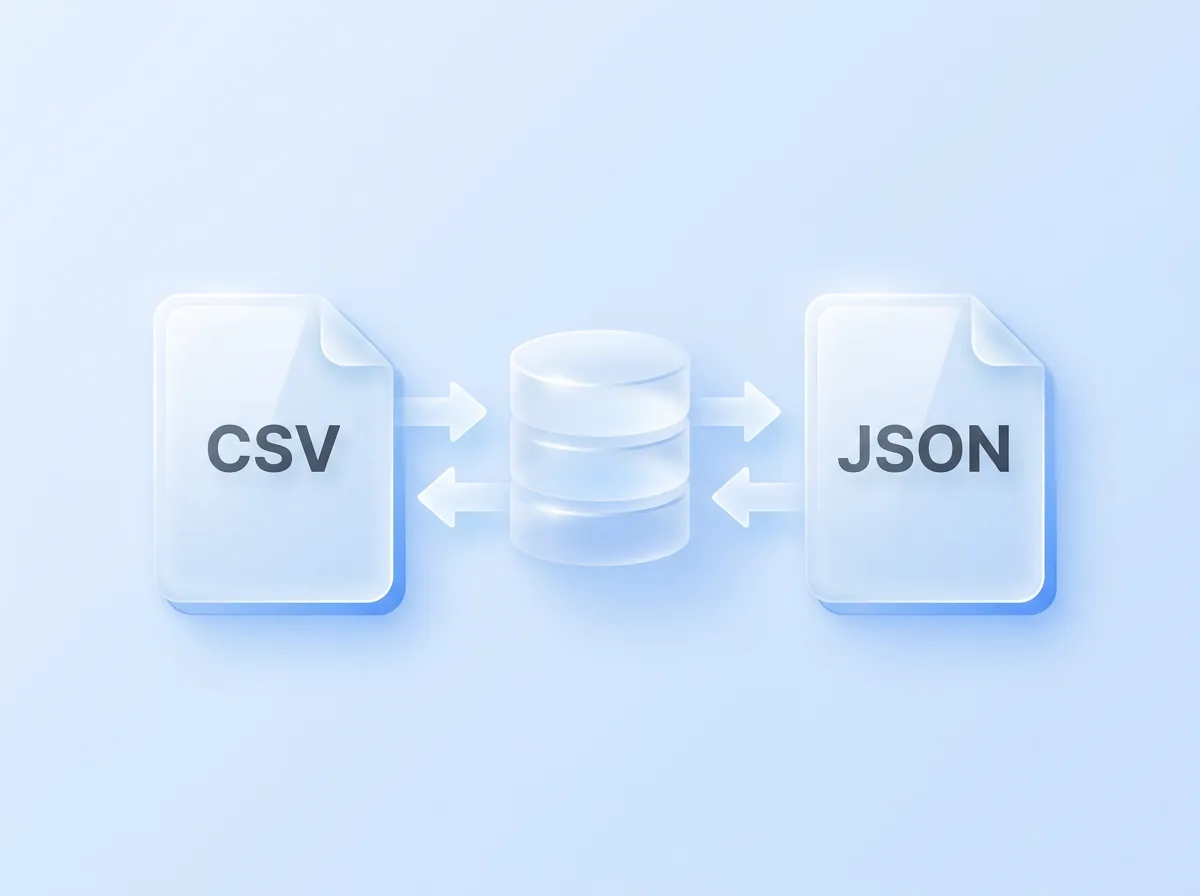
- 3 Export gives you six CSV files, or one JSON file with your records, documents, change history (up to 100,000 changes) and links to every file. File contents download separately from Files.
- 4 Gemini support means Gemini CLI. Since June 18, 2026, Google serves Gemini CLI only to people with a paid Gemini API key or a Gemini Code Assist Standard or Enterprise license. The Gemini app isn’t supported. ↩
Last updated Oct 3, 2026 · AI-app plan rules checked October 2026
One link for any MCP app
Free plan. No card.