Zyflow for Claude

Claude CRM: a CRM Claude can update, and you can undo1

Add Zyflow once on claude.ai. It works on every Claude plan, and Claude Free allows one custom connector.

Connect in 3 steps

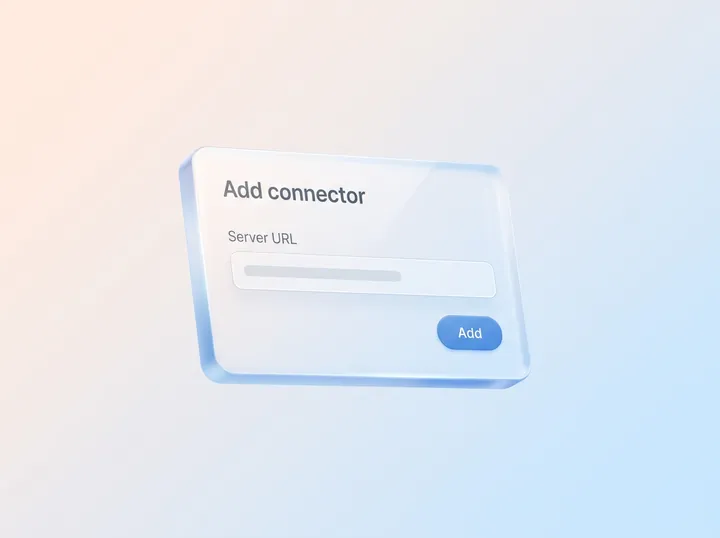
  1. In claude.ai, open Customize > Connectors and add a custom connector.

  2. Paste your Zyflow link:

    It’s the same link for everyone. The first time, Claude asks you to sign in and approve one workspace.

  3. Sign in or create your free account, then approve one workspace.

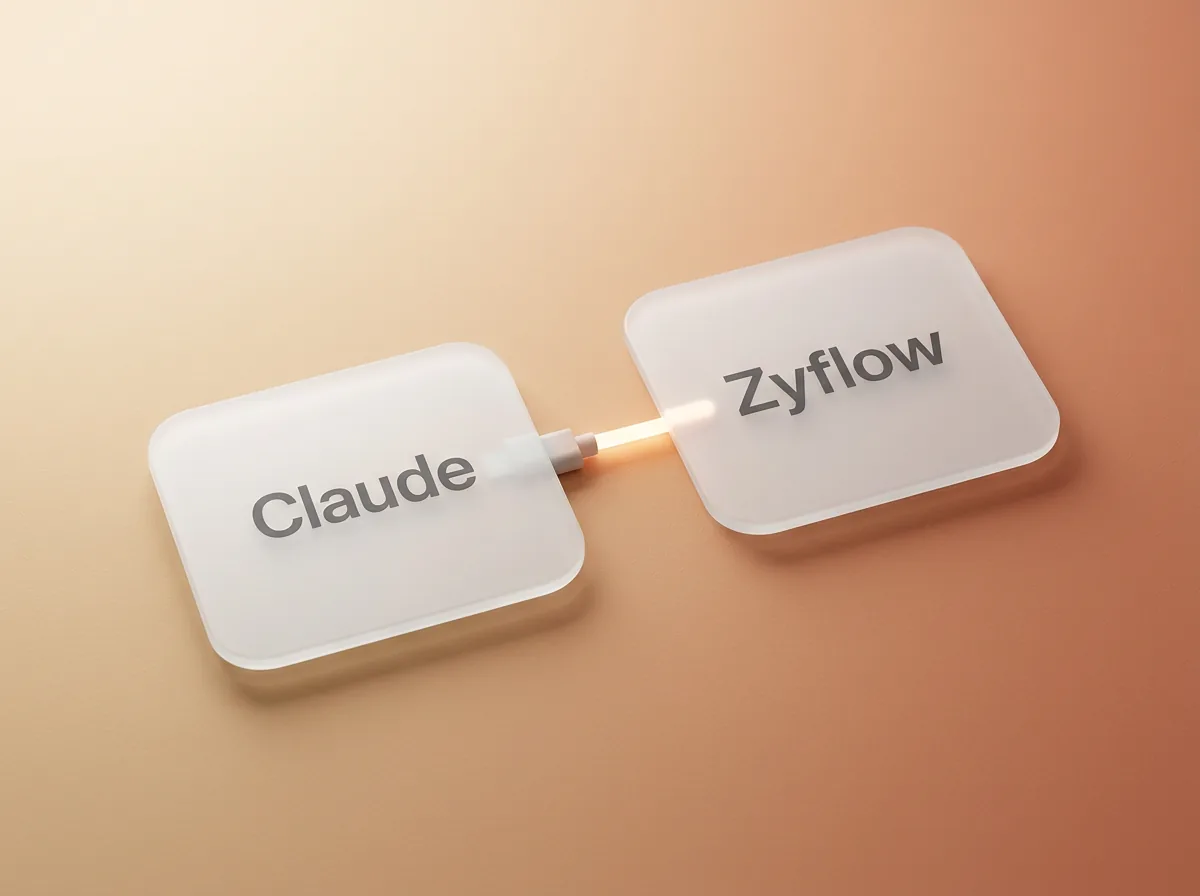
Two glass tiles, Claude and Zyflow, joined by a glowing cable

What is a Claude CRM?

If you already run your day in Claude, you still need a client record that outlasts the chat.

A Claude CRM is a customer database that Claude can read and update while you talk to it. Claude reaches it through a connector, then looks up customers, logs calls, sets follow-ups and records what people owe. Claude does the talking; the CRM keeps the record, so it’s still there tomorrow and in every other chat.

Zyflow is a lightweight small-business CRM your AI app keeps up to date (Claude, Cursor, ChatGPT Business, any MCP app). Every AI change is labeled.

Zyflow works with any AI app that supports MCP, the standard way AI apps connect to tools. In Claude, that’s a custom connector. As a CRM for Claude, Zyflow keeps each client’s facts, follow-ups, money owed, files, invoices and quotes in one record.

Chat memory isn’t that record. It helps Claude inside a conversation or a project, but it isn’t a customer list you can check, share with a teammate or take with you.
Let Claude update your CRM. Undo what it gets wrong.1

Claude gets the one workspace you approve, with your role and nothing more. It never gets your password, and it can’t touch billing, members or API keys. When a name could mean two people, Zyflow sends Claude the candidates and Claude asks you. Saves land on the record you already have, and every change is labeled, with an Undo.1

Pausing before you approve is normal. In a vendor survey, half of small-business owners named data security as their single biggest hesitation about AI (Anthropic, May 2026).

What Claude can and can’t touch

  • One workspace, the one you pick when you approve. You can disconnect Claude any time.
  • Never your password, billing, members or API keys.
  • Your role and nothing more. A teammate’s Claude can do only what that teammate can do.
  • Read and write. The approve screen has no read-only switch; read-only API keys cover lookups from scripts.

Four guardrails sit on every AI write: Ask. Match. Label. Undo.

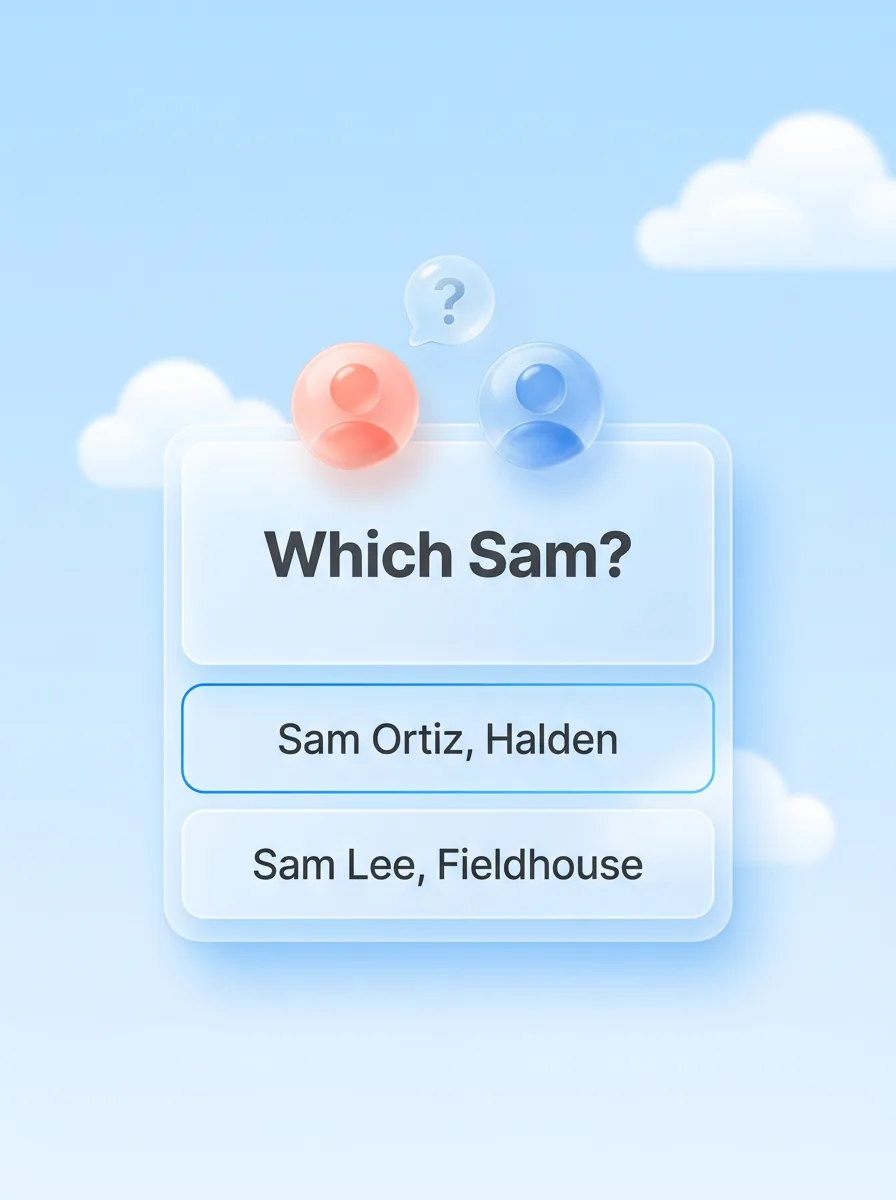
A glass card that asks Which Sam?, with two choices: Sam Ortiz, Halden and Sam Lee, Fieldhouse

Ask.

When a name could mean two people, Zyflow sends Claude the candidates and what tells them apart, and Claude asks you which one you mean.

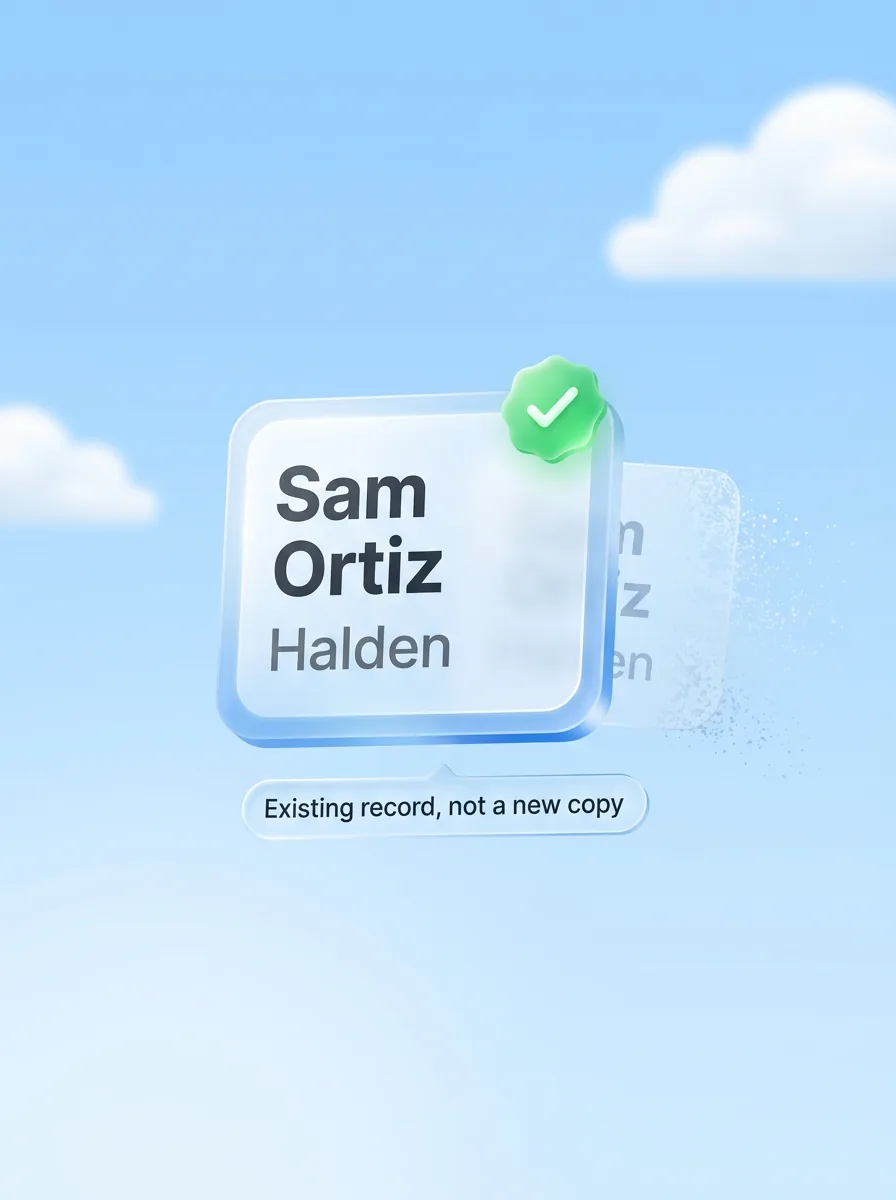
A glass contact card for Sam Ortiz at Halden with a green check, Existing record, not a new copy, while a duplicate fades away

Match.

Saves land on the record you already have, not a new copy. Similar names are flagged, never merged automatically.

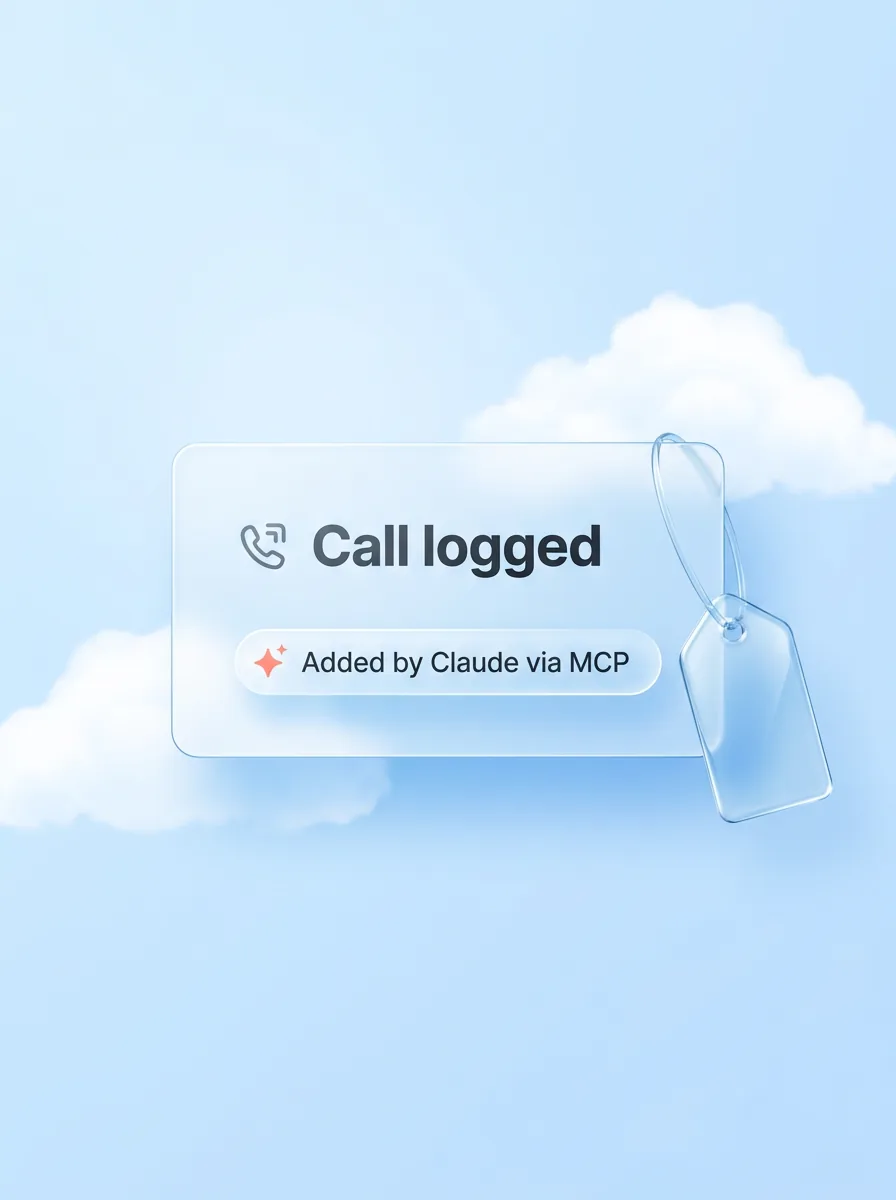
A glass card that reads Call logged, labeled Added by Claude via MCP, with a glass tag beside it

Label.

Every change carries the name of the app that made it: “Added by Claude via MCP”.

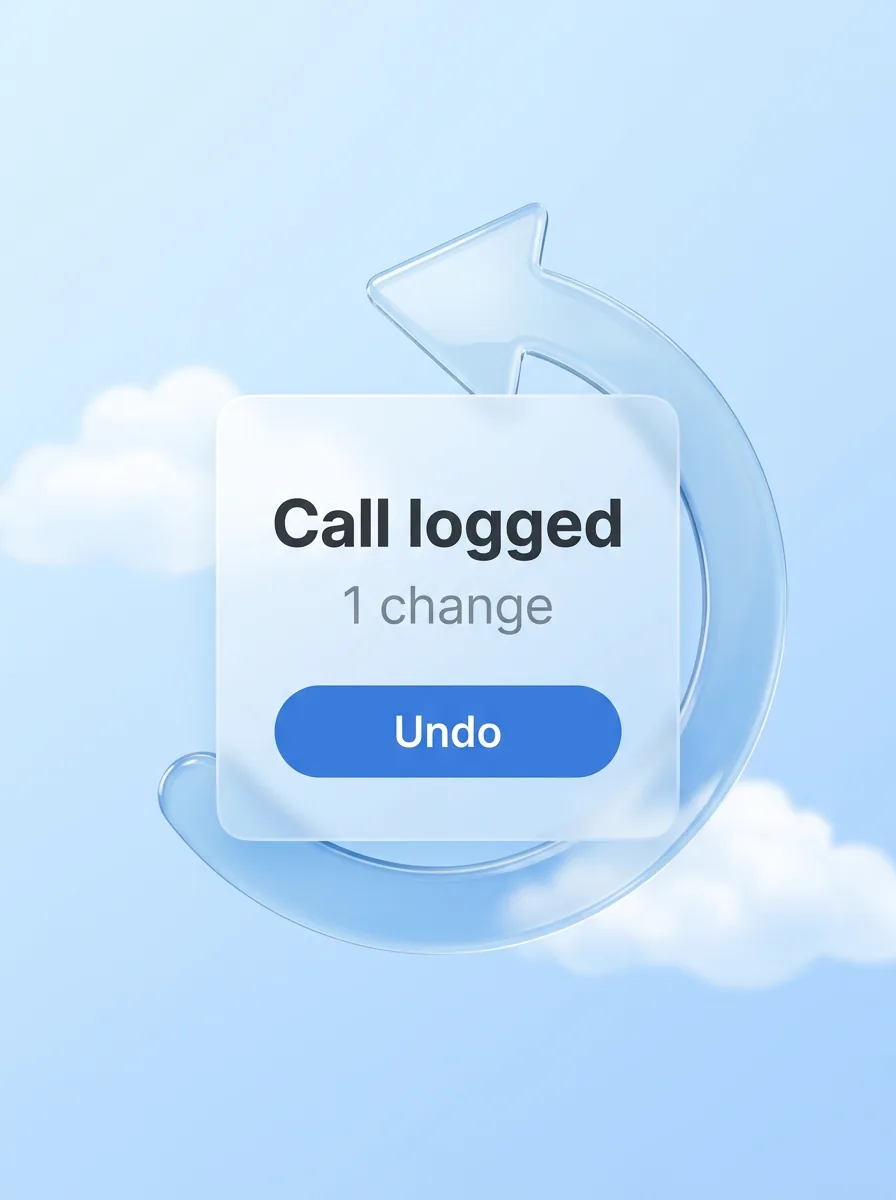
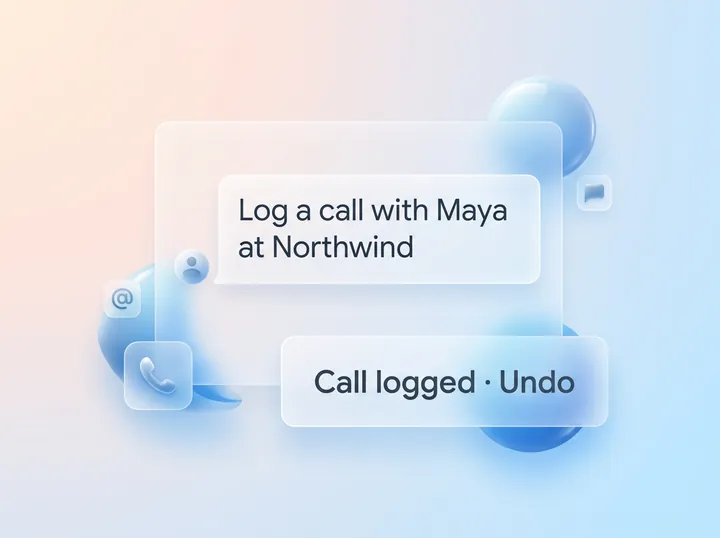
A glass card that reads Call logged, 1 change, with an Undo button inside a glass undo arrow

Undo.

Each thing Claude does is one change, and one click undoes it, even 40 contacts edited at once.1

Your AI will get things wrong sometimes. Plan for that.

  1. 1

    You

    Had a call with Sam. She wants the revised quote by Friday.

  2. 2

    Claude

    Which Sam: Sam Ortiz at Halden or Sam Lee at Fieldhouse? You: Halden.

  3. 3

    Zyflow, on Sam Ortiz's page

    “Claude logged a call with Sam Ortiz · Undo”, and the follow-up “Send revised quote · Fri, 9 Oct · Added by Claude via MCP, just now”.

Claude asked instead of guessing. The call landed on the right Sam, labeled, with an Undo.

Zyflow also marks its riskier actions, such as bulk edits, merges and deletes, so Claude can check with you first.

Where your data goes

Zyflow receives only what Claude sends to look something up or make a change, not the rest of your chat. Anthropic’s terms and your Claude data settings cover what Claude does with what it reads.

Every member, and every member’s AI, can see and edit every customer; there are no per-person permissions yet. Zyflow has built-in defenses against prompt injection: hidden characters are stripped, and file text reaches Claude labeled as customer data, not instructions. These are mitigations, not guarantees.

Connect Claude free

Free plan. No card.

How the Claude CRM integration works

You add Zyflow to Claude once, as a custom connector. It takes about two minutes, and you never paste a password into Claude.

  1. In claude.ai, open Customize, then Connectors, and add a custom connector.

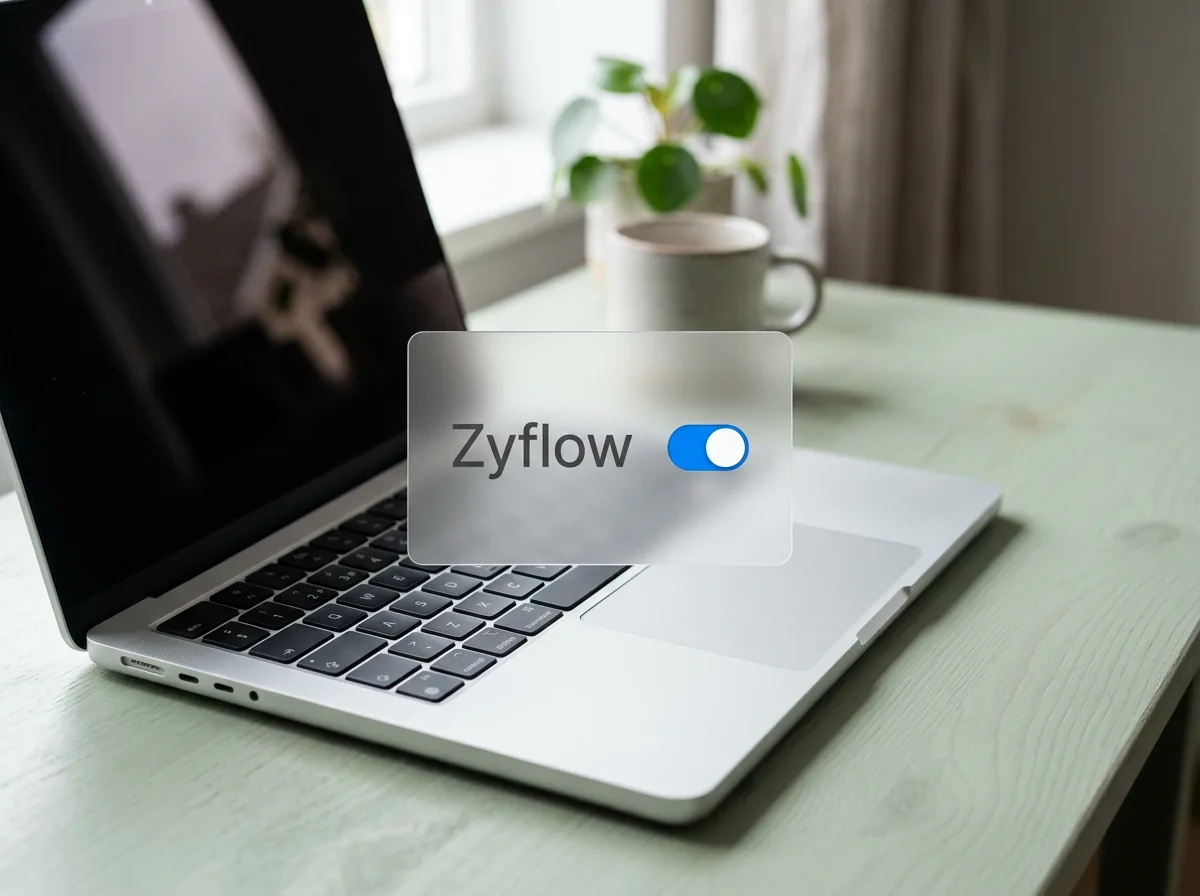
  2. A laptop with Zyflow switched on in its list of connectors

    Name it Zyflow, paste your Zyflow link and click Connect.

  3. A Zyflow window opens. Create your free account or sign in, pick the one workspace Claude may use, and approve.

On Claude Team or Enterprise, a Claude Owner adds custom connectors for the organization first. See the plan table below.

Zyflow is a custom connector, so Claude reminds you that custom connectors aren’t verified by Anthropic. Claude shows that reminder for every connector added by link. Before you approve, see what Claude can and can’t touch.

  • One workspace per connection You sign in and approve, like “Sign in with Google”. Claude never gets your password, and it can’t touch billing, members or keys.
  • Every AI change labeled Each change shows the app that made it, with an Undo.1
  • Export any time Your records, documents and history, on every plan.2

Last checked against Claude on Oct 3, 2026. Spot an error? Tell us.

Six things to say to Claude first

Once Zyflow is connected, Claude can add customers, log calls, set follow-ups, record money owed and make invoices and quotes. Start with these six lines, in order. The first works in an empty workspace.

  1. Add Maya Chen at Northwind as a client.

    What happens Zyflow saves Maya as a customer and files her under Northwind, creating the company if it’s new. If Maya is already on file, the save lands on her record instead.

  2. Had a call with Maya at Northwind. She wants the revised quote by Friday.

    What happens Zyflow logs the call and sets the follow-up in the same step, and Claude reads back the date: Fri, 9 Oct.

  3. What do we know about Northwind?

    What happens Claude gets one brief with the facts, open deals, follow-ups, money owed, recent calls, files and next step, plus an “Open in Zyflow” link.

  4. Remind me Tuesday at 5pm to send Maya the case study.

    What happens Zyflow sets a follow-up on Maya, and Claude reads it back as “Tue, 6 Oct at 5:00 pm”.

  5. Invoice Northwind for 3 workshop days at $1,200 each, plus 10% tax.

    What happens Zyflow does the math and files a numbered invoice PDF under Northwind: $3,600 plus $360 tax, $3,960 in total. Claude gets a link to the PDF that works for 7 days.

  6. What did you change since this morning?

    What happens Claude lists today’s changes by app and says which can still be undone. Then say:

Zyflow works out totals, tax and numbering; unit prices come from what you or Claude enter. Zyflow sends nothing to your customers. Claude drafts; you press send.

Quotes work the same way, and an accepted quote becomes an invoice in one step, so Zyflow doubles as a CRM with invoicing.

Undo what you just did.

What happens: Zyflow puts back everything from Claude’s last action in one step. An undo can be undone too.1

What happens when you’re not chatting?

Claude acts only when you ask, so Zyflow keeps the list between chats. Each morning, the Today page in Zyflow ranks who to call, who owes you, what’s due, birthdays, stuck deals and customers gone quiet. The 8am email carries your follow-ups, payments to chase and birthdays. Collection reminders close by themselves once the payment is recorded.

Tell Claude “Northwind owes $4,800 and will pay by the 15th,” and Zyflow records the balance, the promise date and one reminder to chase it.

Facts carry over too. Tell Claude “Maya prefers calls after 2pm,” and the next chat about Maya, in Claude or in Cursor, gets it from Zyflow.

Next morning, ask Claude “What’s on my plate today?” for the same ranked list. On Today, “What your AI did” shows Claude’s changes from the last 24 hours, each with an Undo.1 Checking them is quick: Claude asks when a name is unclear, and nothing reaches a customer unless you send it.

Reminders show on Today, in Claude and in the 8am email; nothing is pushed to your phone. Zyflow doesn’t read your inbox, calendar, calls or WhatsApp. Tell Claude, or paste the thread, and Claude files it after showing you what it found.

A glass Today card glowing at first light under a night sky

Which Claude plan do you need?

Every Claude plan works. On Claude Free you can add one custom connector, and Zyflow can be that one. On Pro and Max you add it yourself. On Claude Team and Enterprise, a Claude Owner or Primary Owner adds custom connectors for the organization first; then each person connects and signs in to Zyflow. Checked October 2026.

Claude plans that work with Zyflow (checked October 2026)
Claude plan Works with Zyflow What to know
Free Yes One custom connector in total; Zyflow can be it
Pro, Max Yes You add it yourself in Customize > Connectors
Team, Enterprise Yes A Claude Owner or Primary Owner adds custom connectors for the organization first (Organization settings > Connectors); then each person connects and signs in

Claude Help Center, “Use connectors” and “Custom connectors”. Your Claude plan’s own usage limits still apply.

Last checked against Claude on Oct 3, 2026. Spot an error? Tell us.

Using ChatGPT too? See how Zyflow works as a ChatGPT CRM.

Claude for small business: where Zyflow fits

Zyflow isn’t part of Anthropic’s Claude for Small Business bundle. You add it as a custom connector, and it becomes the customer record next to the tools that bundle connects.

Anthropic launched Claude for Small Business on May 13, 2026, with connectors for QuickBooks, PayPal, HubSpot, Canva, Docusign, Google Workspace and Microsoft 365. HubSpot is the CRM inside it, and if HubSpot suits you, that’s the shortest route. If you’d rather keep client records in a lightweight CRM, add Zyflow next to the others. If Claude can also read your Gmail through its Google Workspace connector, ask it to read a thread and log it to the right customer in Zyflow.

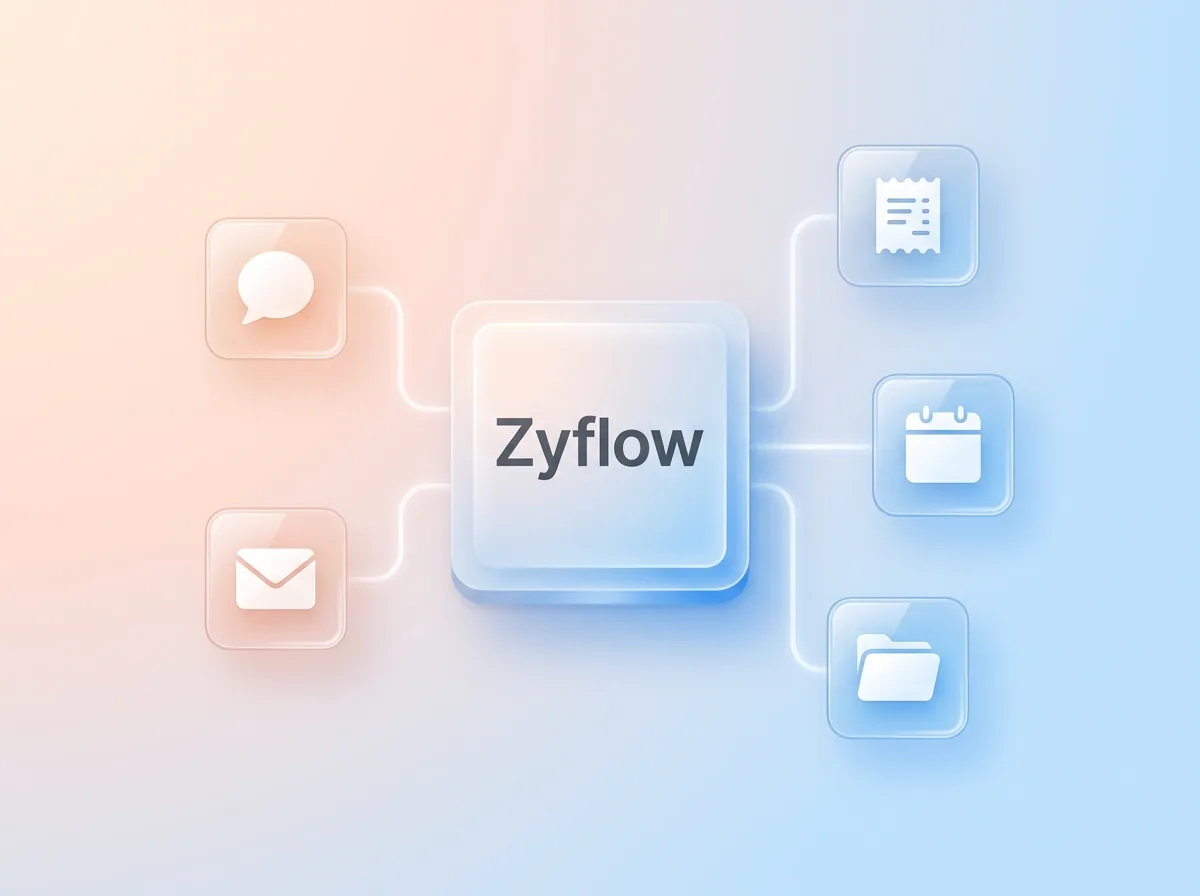
A glass Zyflow tile linked to small tiles for chat, receipts, calendar, email and files

Using Claude Code or Claude Desktop?

Claude Code connects with one command, then reads and updates the same Zyflow records as Claude on the web.

Claude Code (copy this command):

claude mcp add --transport http zyflow https://app.zyflowcrm.com/mcp

Then run /mcp inside Claude Code to sign in and approve a workspace.

Claude Desktop: follow the Claude setup guide.

Thinking of building your own in Claude Code instead? Don’t build a CRM for Claude. Connect one. The Claude Code CRM guide covers the parts that break: matching, duplicates, undo, history and sign-in.

Connecting is table stakes. Here’s what’s different

Claude connectors for CRMs are common now: HubSpot, Pipedrive, Attio, Close, Zoho and Salesforce all list one in Claude’s directory (checked October 2026). So check what happens after you connect: which Claude plan it needs, whether you can undo one Claude action in one step, whether it bills AI use, and whether invoices, files and money owed sit in the same record.

Seven questions to ask any Claude CRM
Ask any Claude CRM Zyflow
Which Claude plans can use it? Every plan; on Claude Free it uses your one custom connector
Can you see which app made each change? Yes: “Added by Claude via MCP,” in History and in any open tab
Can you undo one Claude action in one step? Yes, within your plan’s history window,1 even 40 contacts edited at once
What happens when a name matches two people? Claude gets the candidates and asks you
Does it bill Claude’s calls or sell AI credits? No. Zyflow runs no AI, and Claude’s calls are never billed
Are invoices, quotes, files and money owed in the same record? Yes, on every plan
Can you take your data with you? Yes. Export records, documents and history any time2

HubSpot’s Claude connector needs a paid Claude plan (Pro, Max, Team or Enterprise), per HubSpot’s help page updated September 17, 2026. HubSpot Free is still a fair deal for two people and 1,000 contacts, and it’s the CRM inside Claude for Small Business.

As your team grows, Zyflow stays one price: Zyflow’s Team plan is $30 a month for up to 10 people. Prices in US$.

We check every competitor fact against the vendor’s own page and date it. Where a competitor does something better, we say so. Spot an error? Tell us, and we’ll fix it.

Not a fit if...

Zyflow isn’t a fit yet if you need email or calendar sync, card payment collection, SSO or two-factor sign-in, a home for regulated data such as patient records, or more than 30 people.

Questions about Zyflow and Claude

Is Zyflow an MCP server?

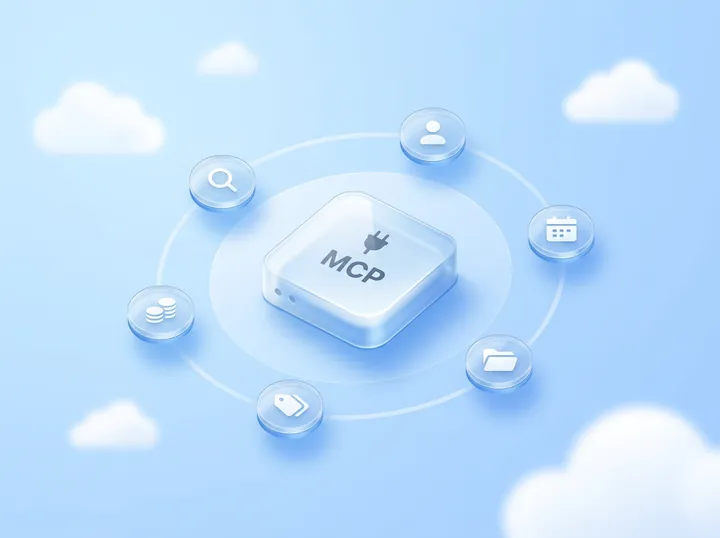
Yes. Zyflow is an MCP server, and Claude calls it a custom connector. MCP is widely used, with more than 400 million monthly MCP SDK downloads (Anthropic, July 2026). The same Zyflow link works in Claude Code, Cursor, ChatGPT on Business plans and other MCP apps.

Does Zyflow work in Claude Desktop, on the web and on mobile?

On the web, yes: add Zyflow once on claude.ai. For Claude Desktop and the mobile apps, the Claude setup guide has the current steps. Claude Code is set up separately, with one command.

What can Claude see in Zyflow?

Only what Zyflow returns when Claude looks something up, plus your Notes for your AI, within the one workspace you approved and only as far as your role allows. Claude can’t reach billing, members, API keys or connections. Anthropic’s terms and your Claude data settings cover what Claude does with what it reads.

Does Zyflow train a model on my data?

No. Zyflow runs no AI model and doesn’t train one on your data. Zyflow receives only what Claude sends in its tool calls, not the rest of your chat. What Claude does with what it reads is covered by Anthropic’s terms.

Does it cost extra?

Not on the AI side. Zyflow runs no AI of its own, so Claude’s calls to Zyflow are never billed and there are no AI credits. Free costs nothing for one person, with no time limit. Solo is $12 a month for up to 3 people, and Zyflow’s Team plan is $30 for up to 10. Your Claude plan’s own usage limits still apply.

Does my Claude Team admin need to switch it on?

Yes. On Claude Team and Enterprise, a Claude Owner or Primary Owner adds custom connectors for the organization first. Then each person connects and signs in to Zyflow, so each change carries that person’s name, such as “Claude for Dana”. Each person also needs to be in your Zyflow workspace: Free is for one person, Solo covers up to 3 and Zyflow’s Team plan up to 10.

Can Claude delete records?

Claude can only move records to the 30-day trash, which no AI app can empty. Issued invoices and quotes can only be voided. Bulk changes show a preview first and stop at 200 records, and one click undoes them.1

Is Zyflow a Claude connector or a Claude CRM plugin?

A connector. Zyflow connects as a custom connector, and that’s all Claude needs to read and update your records. There’s no Zyflow plugin or Claude CRM skill in the Claude Marketplace yet.

Can Claude update Zyflow automatically after every email or call?

No. Zyflow doesn’t read your inbox, calendar or calls, and Claude acts only when you ask. Tell Claude what happened in one sentence, or paste the thread, and Claude files it after showing you what it found.

Does Claude have its own CRM?

No. Claude has chat memory and Projects but no customer database; it connects to one. With Zyflow, Claude does the talking and Zyflow keeps the record. To try Claude alone first, see how to use Claude as a CRM on its own.

  1. 1 Undo works within your plan’s history window: 30 days on Free, up to 3 years on paid plans. Deleted items can be restored for 30 days on every plan. Settings changes, such as pipelines, custom fields and tag renames, are logged but can’t be undone. ↩
  2. 2 Export gives you six CSV files, or one JSON file with your records, documents, change history (up to 100,000 changes) and links to every file. File contents download separately from Files.

Last updated Oct 3, 2026

Let Claude update your CRM. Keep the final say.

If Claude gets something wrong, undo it.1 If Zyflow isn’t for you, export your records, documents and history.2

Connect Claude free

Free plan. No card. Works on every Claude plan.