For freelancers

A CRM for freelancers that your AI keeps up to date

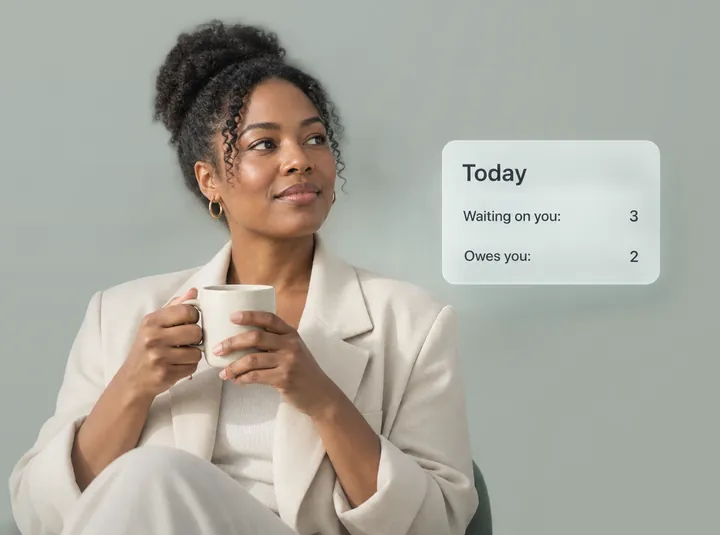
Tell your AI what happened with a client. Zyflow files it on the right record, does the math on your quotes and invoices, and each morning shows you who’s waiting and who owes you.

Between client calls, the admin piles up: the revision someone’s waiting on, the quote you promised by Friday and the invoice that’s two weeks late. As a CRM for freelancers, Zyflow keeps all of it on the client’s record, where the AI app you already use can read and update it.

Zyflow is a lightweight small-business CRM your AI app keeps up to date (Claude, Cursor, ChatGPT Business, any MCP app). Every AI change is labeled. Zyflow works with any AI app that supports MCP, the standard way AI apps connect to tools.

Start free

Free plan. No card.

See the Solo plan
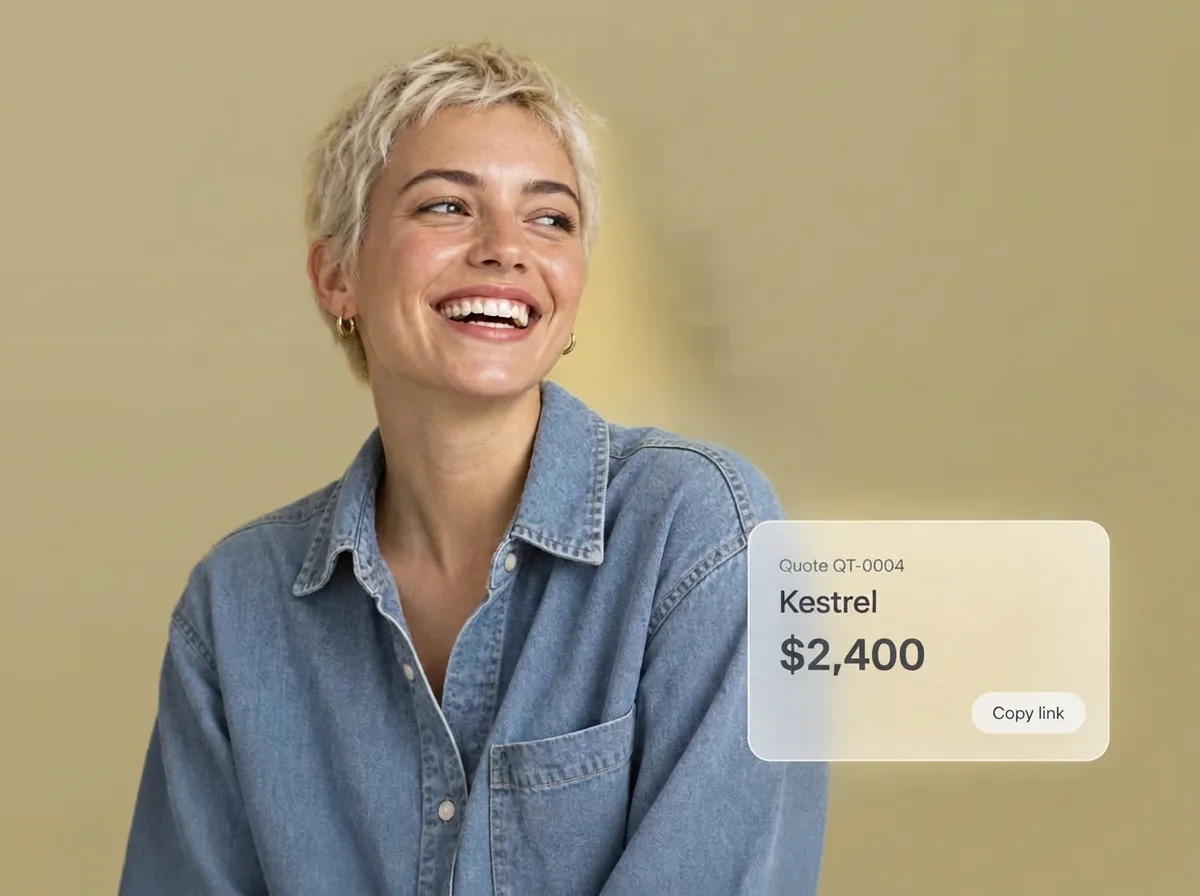
A laughing freelance designer beside quote QT-0004 for Kestrel, $2,400, with a link to copy

After a client call, say one sentence

You hang up, and the next job is already waiting. Before you switch, one sentence to your AI puts the call and the client follow-up on record, so you don’t have to fill in a form later.

Tell your AI what happened: “Had a call with Maya at Northwind. She wants the revised quote by Friday.” Your AI logs the call and sets the follow-up on the customer you already have, then reads back the date: Fri, 9 Oct. The change shows up labeled, with an Undo.1

If Maya were a new client, your AI would save her first, as a separate change.

Chat history won’t remind you tomorrow. Zyflow keeps the follow-up where Today, the 8am email and every AI app you connect can see it.

Among US small businesses that use AI, 31% use it to manage customer relationships (US Chamber of Commerce, October 2026).

Zyflow doesn’t read your inbox, calendar, calls or WhatsApp. Tell your AI, or paste the thread, and your AI files it after showing you what it found.
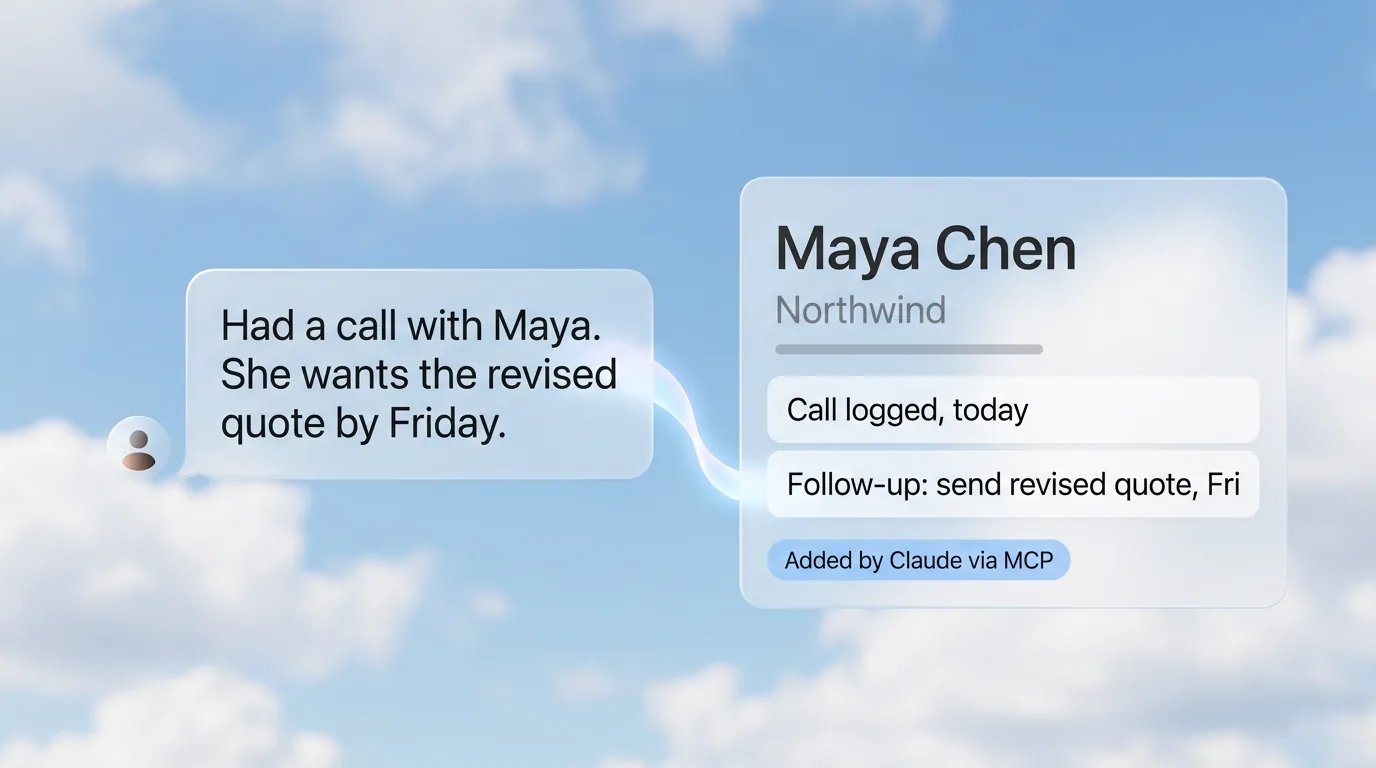
A message about a call with Maya at Northwind flowing into her record in Zyflow: call logged, follow-up set, added by Claude via MCP

Follow-ups, quotes, invoices and files in one client record

Zyflow keeps each client’s follow-ups, quotes, invoices, money owed, files and facts on one record your AI can reach. Freelance work moves from quote to invoice to payment, so a CRM with invoicing keeps that paperwork next to the client it belongs to. Most CRMs are built for sales pipelines; freelance work is quotes, revisions and invoices.

Know who’s waiting each morning

Open Today, or ask your AI “What’s on my plate today?”, and you get one ranked list: overdue follow-ups, then missed payment promises and overdue invoices, then what’s due today. The 8am email carries your follow-ups and the payments to chase.

Reminders show on Today, in your AI and in the 8am email. Nothing is pushed to your phone.

Quotes that turn into invoices

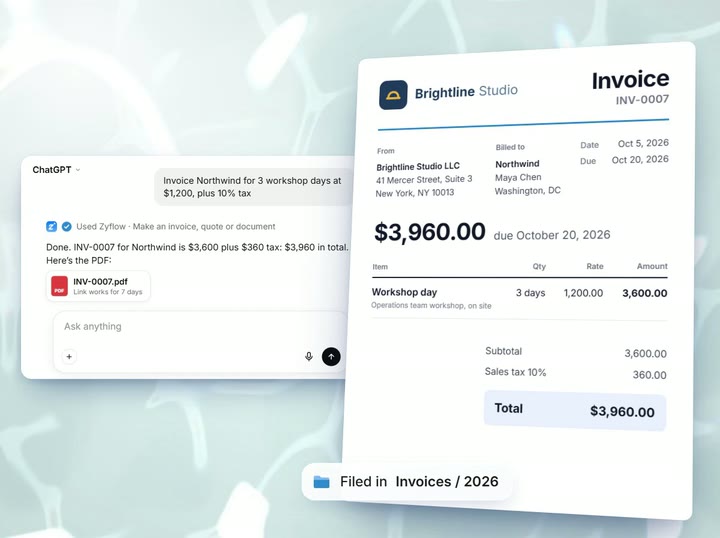
Ask your AI for a quote in a sentence. Zyflow numbers it (QT-0003) and works out the tax on each line to the cent. Then it renders the PDF with your logo and files it under Quotes, linked to the client. Your AI hands you a link to forward, and it opens for 7 days without signing in. When the client says yes, one sentence turns the quote into an invoice (INV-0007) and marks the quote accepted. You can bill in any currency, with your country’s tax label (VAT, GST or sales tax) and paper size.

Unit prices come from what you or your AI enter; there’s no price list. Zyflow sends nothing to your customers. Your AI drafts; you press send.

Who owes you, and when they said they’d pay

Tell your AI “Kestrel owes $2,400 and will pay by the 15th.” Zyflow records the balance and the promise date, then sets one reminder to collect. If the 15th passes without a payment, Kestrel moves near the top of your morning list. Each payment you record lowers the balance, and at zero the reminder closes.

Zyflow records payments; it doesn’t collect them. There are no card payment links.

Files and facts under each client

Save the brief and the signed-off mockups under the client, and your AI can find them later. Facts go on the record too: say “Remember that Maya prefers a call to an email,” and every AI app you connect reads the same fact.

Through Zyflow, your AI can see images up to 5 MB and text files up to 1 MB. It can’t read the text inside PDFs, Word or Excel files.

Everything in this CRM for freelancers, from follow-ups to invoices, is on the Free plan.

Start free

Free plan. No card.

Which AI apps can update Zyflow?

Claude can, on any plan, including Claude Free, which allows one custom connector. ChatGPT can write to Zyflow on Business, Enterprise or Edu plans in developer mode.2 Claude Code, Cursor, VS Code, Gemini CLI, Windsurf and any MCP app work too, through the same link.

Paste your Zyflow link into the app, then sign in and approve one workspace. It takes about two minutes in Claude, and you never paste a password into your AI app. Every app you connect reads the same clients, so moving from Claude to Cursor keeps your history. Your AI’s calls to Zyflow are never billed.

Read more about Zyflow as a Claude CRM, or get the technical detail on the CRM MCP server page.

On ChatGPT Plus or Free? Claude works on every plan, including Claude Free.

Let your AI write. Keep the final say.

Four guardrails sit on every AI write: Ask. Match. Label. Undo.

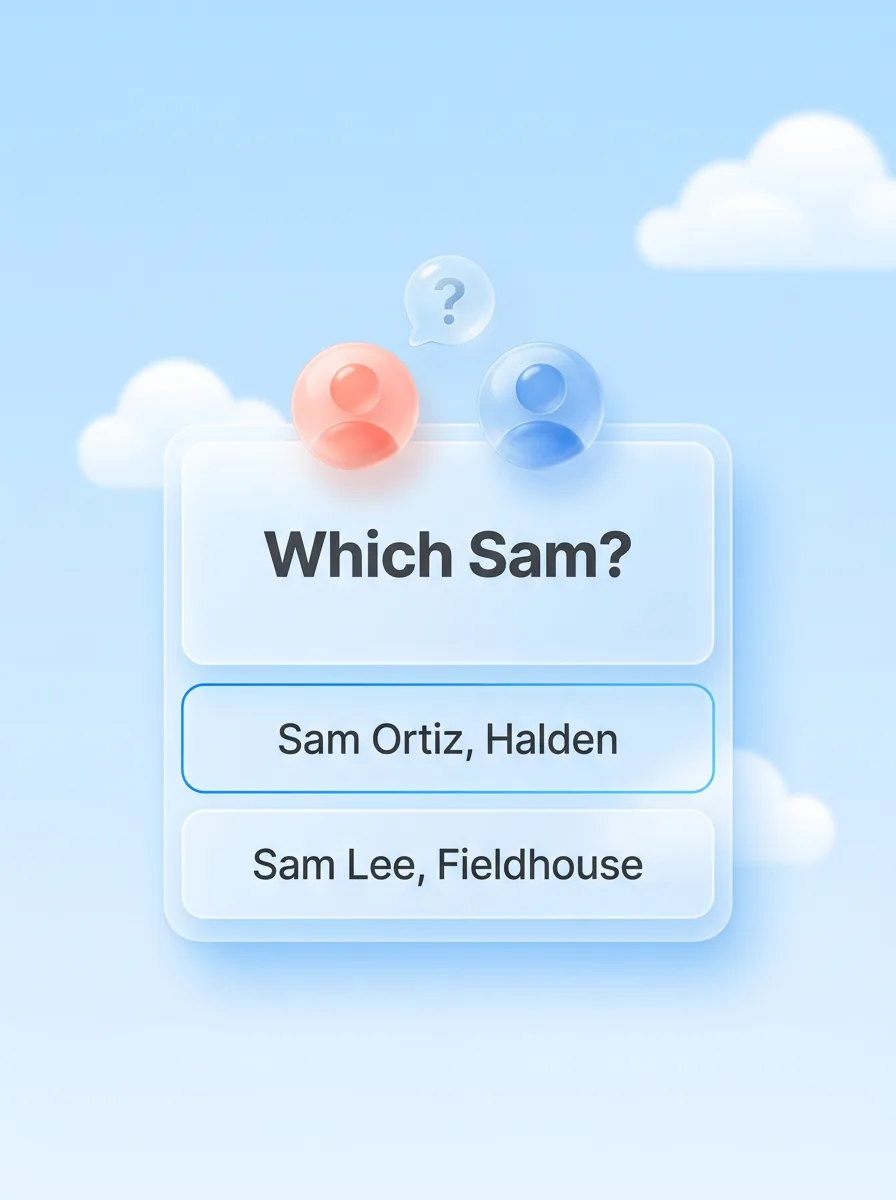
A glass card that asks Which Sam?, with two choices: Sam Ortiz, Halden and Sam Lee, Fieldhouse

Ask.

When a name could mean two people, Zyflow sends your AI the candidates and what tells them apart, and your AI asks you which one you mean.

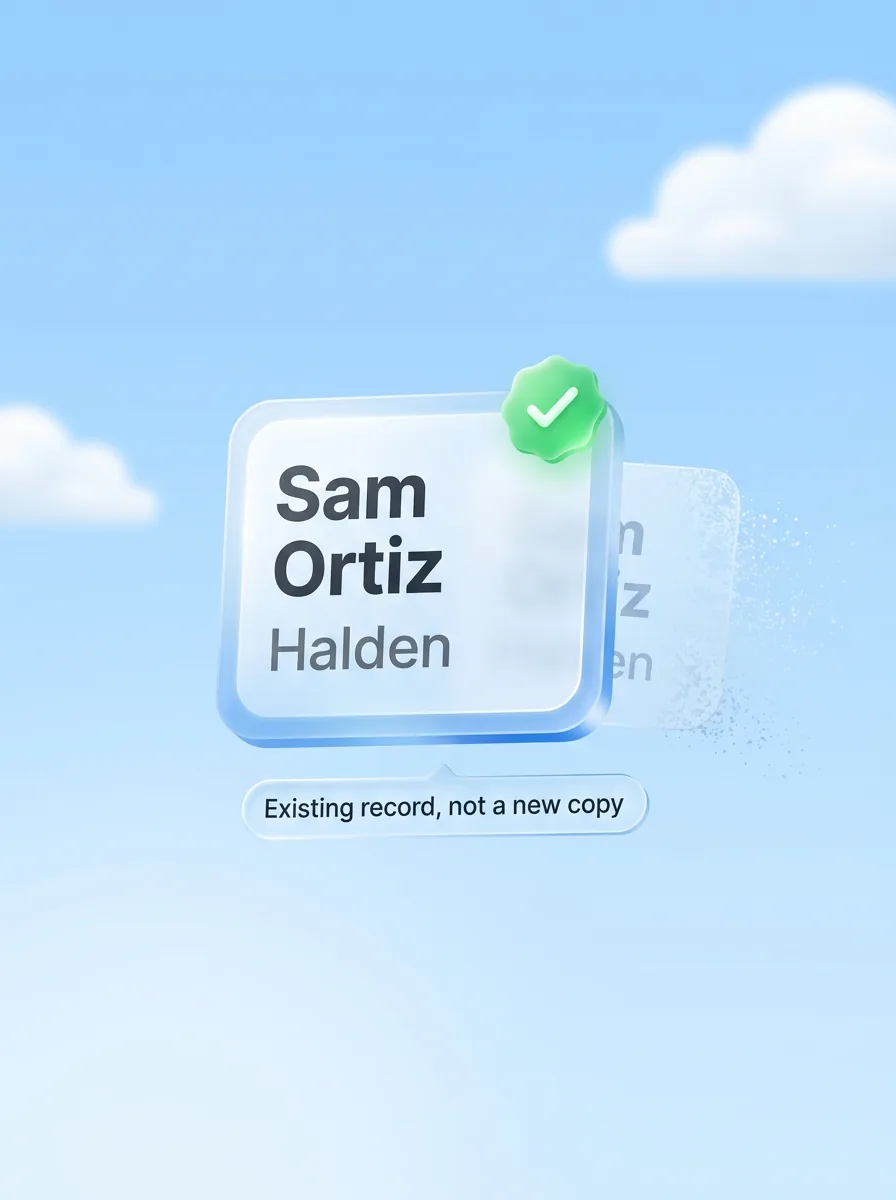
A glass contact card for Sam Ortiz at Halden with a green check, Existing record, not a new copy, while a duplicate fades away

Match.

Saves land on the record you already have, not a new copy. Similar names are flagged, never merged automatically.

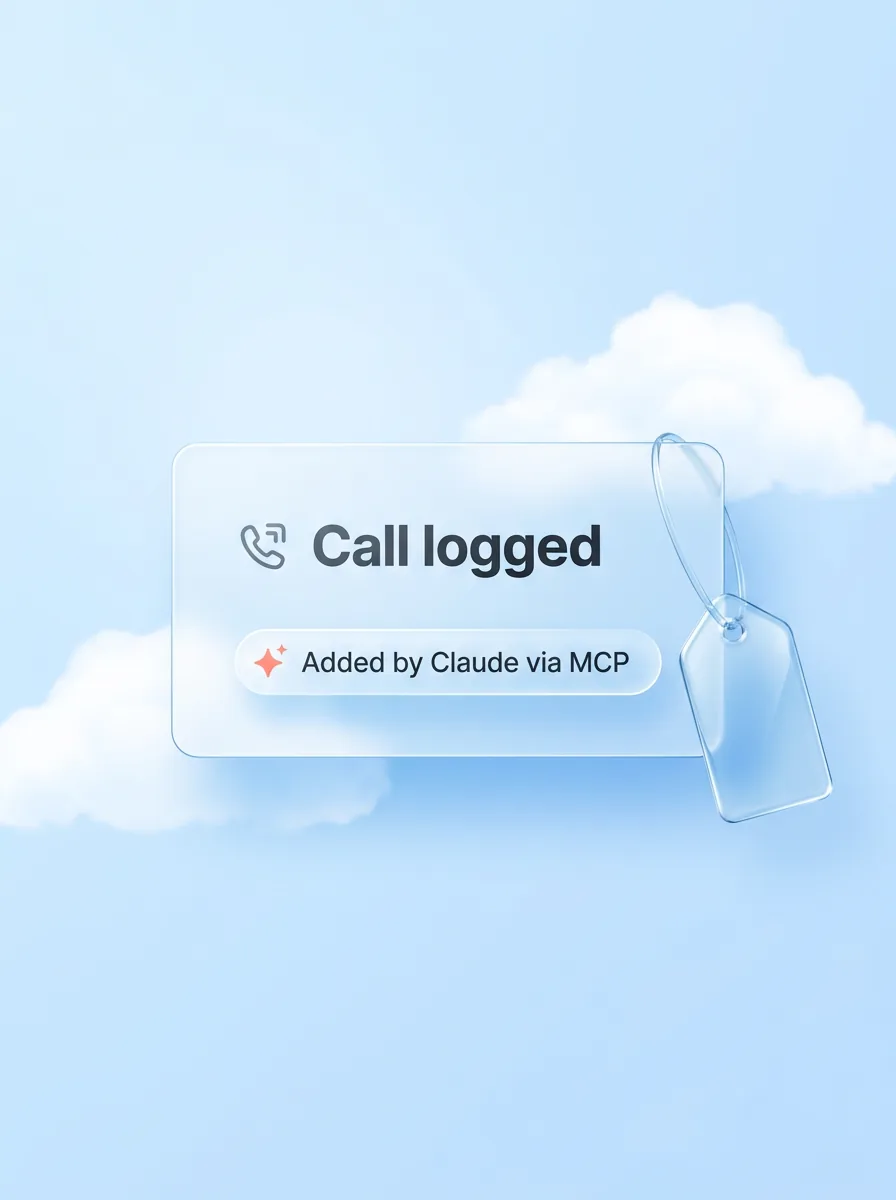
A glass card that reads Call logged, labeled Added by Claude via MCP, with a glass tag beside it

Label.

Every change carries the name of the app that made it: “Added by Claude via MCP”.

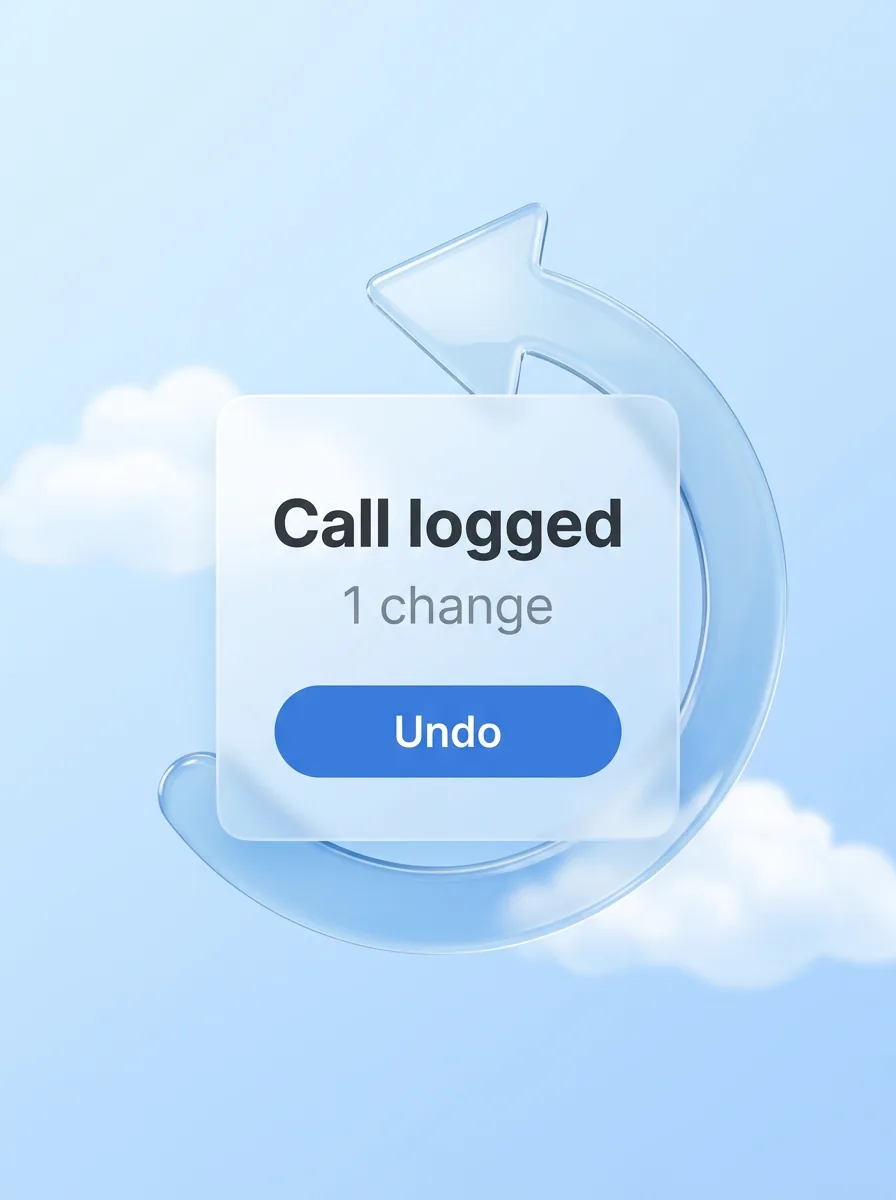
A glass card that reads Call logged, 1 change, with an Undo button inside a glass undo arrow

Undo.

Each thing your AI does is one change, and one click undoes it, even 40 contacts edited at once.1

Your AI will get things wrong sometimes. Plan for that.

Six things to say to your AI

Copy any of these into Claude or another AI app you’ve connected. Anything they change lands on the client’s record, labeled with the app that made it.

Quote

Quote Northwind for 3 design days at £900 a day, plus 20% VAT, valid until end of month.

What comes back: a numbered quote in pounds with VAT per line, a PDF linked to Northwind and a 7-day link.

Invoice

Northwind said yes. Turn the quote into an invoice.

What comes back: an invoice with the same lines and currency, and the quote marked accepted.

Chase

Halden owes $2,400 and will pay by the 15th.

What comes back: the balance, the promise date and one reminder that closes when they’ve paid.

Prep

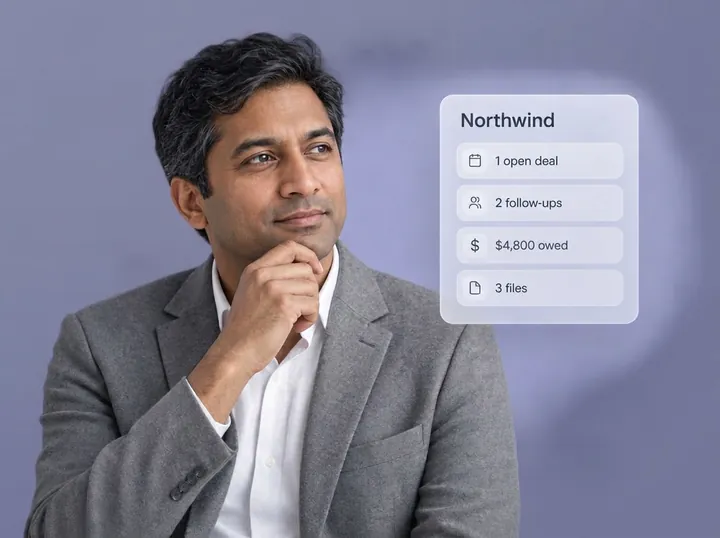
What do we know about Northwind?

What comes back: facts, deals, follow-ups, money owed, files and the next step, in one answer.

Remember

Remember that Maya signs off on anything over $5,000.

What comes back: a fact on Maya’s record that every AI app you connect can read.

Plan my day

What’s on my plate today?

What comes back: the morning list, most urgent first.

A freelancer’s day with Zyflow

Here’s a Tuesday, then what follows on Thursday and Friday.

  • At 8am, the email lists two follow-ups due today and Kestrel’s overdue invoice.
  • At 9am, Today puts everything overdue first. Your AI drafts a reminder to Kestrel, and you send it from your own email.
  • At 11am, after a call: “Had a call with Maya at Northwind. She wants the revised quote by Friday.” Your AI reads back Fri, 9 Oct.
  • At 2pm: “Quote Northwind for 2 revision days at $850 a day, plus 10% tax.” QT-0003 lands on Northwind’s record, and you forward the link.
  • On Thursday, Maya says yes. One sentence turns QT-0003 into INV-0007.
  • On Friday, Kestrel pays half. The invoice shows as Partially paid and stays on your list until the rest comes in.

Which plan does a freelancer need?

Start on Free. While you work alone, it’s a free CRM for freelancers that includes invoices, quotes, files, memory and follow-ups. Free covers 1 person and 5,000 contacts, companies and deals, with no card and no time limit. Your AI’s calls are never billed on any plan.

Move to Solo when an assistant, partner or bookkeeper joins: $12 a month, or $120 a year ($10 a month), for up to 3 people. Prices in US$.

Three glass figures standing close together

The best CRM for freelancers depends on what you need

Picking the best CRM for freelancers comes down to the job you need done. For contracts and online payments in one suite, HoneyBook or Bonsai fits. For a free sales pipeline, HubSpot Free does. If you already work in Claude and want your AI to keep follow-ups, quotes, invoices and money owed on each client, that’s Zyflow.

Freelancer CRMs compared (prices checked Oct 3, 2026)3
Tool Price that includes invoicing Works with your AI app Best for Know before you choose
HubSpot Free $0 for up to 2 users and 1,000 contacts, no time limit. Its commerce page lists free invoices and payment links. Starter is from $7 a seat a month billed yearly for new customers, $20 billed monthly Remote MCP server on every account; a Claude connector and a ChatGPT plugin that read and write A free sales pipeline for up to 2 people A fair deal for two people. HubSpot Payments covers the US, UK and Canada; Stripe elsewhere
Bonsai Essentials: $19 a user a month billed yearly ($25 monthly). Basic ($9) has no invoicing. 7-day trial MCP for Claude, ChatGPT, Cursor and other AI apps; actions wait for your review Proposals, contracts and invoices in one suite, with an MCP connection Priced per user: 3 people on Essentials is $57 a month billed yearly
HoneyBook Starter: $29 a month billed yearly. Essentials $49 for up to 2 team members. 30-day trial ChatGPT plugin since Sep 9, 2026; what its AI makes is a draft you review Service businesses that want contracts, scheduling and payments in one place Only in the US, Canada, the UK and Australia
Moxie Starter: $10 a month billed yearly ($12 monthly). Teams $32 for up to 5 members. Invoices, proposals and contracts on every plan. 14-day trial Its own built-in AI assistant; we didn’t find MCP on its pricing page A low, flat price for an all-in-one Its AI is Moxie’s own, not the app you already use
Zyflow Free: $0 for 1 person. Solo $12 a month ($10 billed yearly) for up to 3 people Claude on any plan; ChatGPT writes on Business, Enterprise or Edu;2 Claude Code, Cursor, VS Code, Gemini CLI, Windsurf. AI calls never billed Freelancers whose AI app is already where they work No e-signature, booking, card payment collection, time tracking, projects, client portal or email sync

Pricing models differ: Bonsai charges per user, HoneyBook per account with team-member limits, Moxie a flat price per plan, and HubSpot per seat after Free.

There’s no single best free CRM for freelancers. HubSpot Free suits a sales pipeline for two people. Zyflow Free suits one person whose AI does the updating. Quotes, invoices, files and money owed sit on the same client record, and every AI change carries a label and an Undo.1

Next to the suites, Zyflow lacks e-signature, booking and card payment collection. If you need those in the same app, a suite fits better.

We check every competitor fact against the vendor’s own page and date it. Where a competitor does something better, we say so. Spot an error? Tell us, and we’ll fix it.

Not a fit if...

Zyflow isn’t a fit yet if you need email or calendar sync, card payment collection, SSO or two-factor sign-in, a home for regulated data such as patient records, or more than 30 people.

For freelance work, add time tracking, project boards, contracts with e-signature, a client portal and booking to that list. A suite such as Bonsai or HoneyBook covers more of it.

Questions freelancers ask

Do freelancers need a CRM?

Once you have more clients than you can keep in your head, yes. In public threads on the subject, people put that point at about 30 to 40 contacts, or more than two people touching the client list. Chat history alone falls short, because it can’t remind you and nobody else can see it.

Is there a free CRM for freelancers?

Yes. Zyflow’s Free plan costs nothing, needs no card and has no time limit. It covers one person and 5,000 contacts, companies and deals, with invoices, quotes, files, memory and follow-ups included. Your AI’s calls are never billed. HubSpot Free, for 2 users and 1,000 contacts, is another free option (checked Oct 3, 2026).

Can I invoice in my client’s currency?

Yes. You can set any currency on each invoice or quote, and Zyflow uses that currency’s symbol and decimals. The default is your workspace currency. There’s no currency conversion, and money totals on Today count only your workspace currency. Tax labels follow your country (VAT, GST or sales tax), with one rate per line.

Can Zyflow send my invoices and collect payment?

No. Zyflow makes the PDF, and you send it. Your AI hands you a link to the numbered invoice that works for 7 days. Zyflow records payments, including part-payments, and marks the invoice paid once the balance reaches zero. It doesn’t collect card payments, and there are no payment links.

Does it work with ChatGPT Plus?

Writing from ChatGPT needs developer mode on a Business, Enterprise or Edu plan (checked October 2026).2 On ChatGPT Plus or Free, use Claude: it works on every plan, including Claude Free, which allows one custom connector.

Does Zyflow read my email or calendar?

No. Zyflow doesn’t read your inbox, calendar, calls or WhatsApp. Tell your AI, or paste the thread, and your AI files it after showing you what it found. In AI apps that support MCP prompts, “Save a conversation to the CRM” is ready for a pasted thread.
Can an assistant or partner use it too?

Yes. Solo covers up to 3 people for one price, and every change shows who made it and through which app. Every member, and every member’s AI, can see and edit every customer. There are no per-person permissions yet.

Is my client data safe?

Zyflow runs no AI of its own. Each AI app you connect reaches only the one workspace you approve when it signs in. It never gets your password, and it can’t touch billing, members or keys. Sign-in uses OAuth 2.1 with PKCE, and every key and token is stored as a hash. You can export your records, documents and history any time. Zyflow doesn’t hold security certifications such as SOC 2 or ISO 27001 today, and doesn’t offer two-factor sign-in or SSO yet.

  1. 1 Undo works within your plan’s history window: 30 days on Free, up to 3 years on paid plans. Deleted items can be restored for 30 days on every plan. Settings changes, such as pipelines, custom fields and tag renames, are logged but can’t be undone.
  2. 2 Writing to Zyflow from ChatGPT needs developer mode on a ChatGPT Business, Enterprise or Edu plan. It’s in beta, on the web, and an admin switches it on. Claude works on every plan. Checked October 2026.
  3. 3 Competitor prices are list prices in US dollars from each vendor’s own pricing page, checked Oct 3, 2026. Prices and plans change often.

Last updated Oct 3, 2026

Your AI talks. Zyflow remembers.

Tell your AI what happened. Zyflow keeps the record.

If your AI gets something wrong, undo it.1 If Zyflow isn’t for you, export your records, documents and history.

Start free

Free plan. No card. Connect your AI in about two minutes.