Ask.
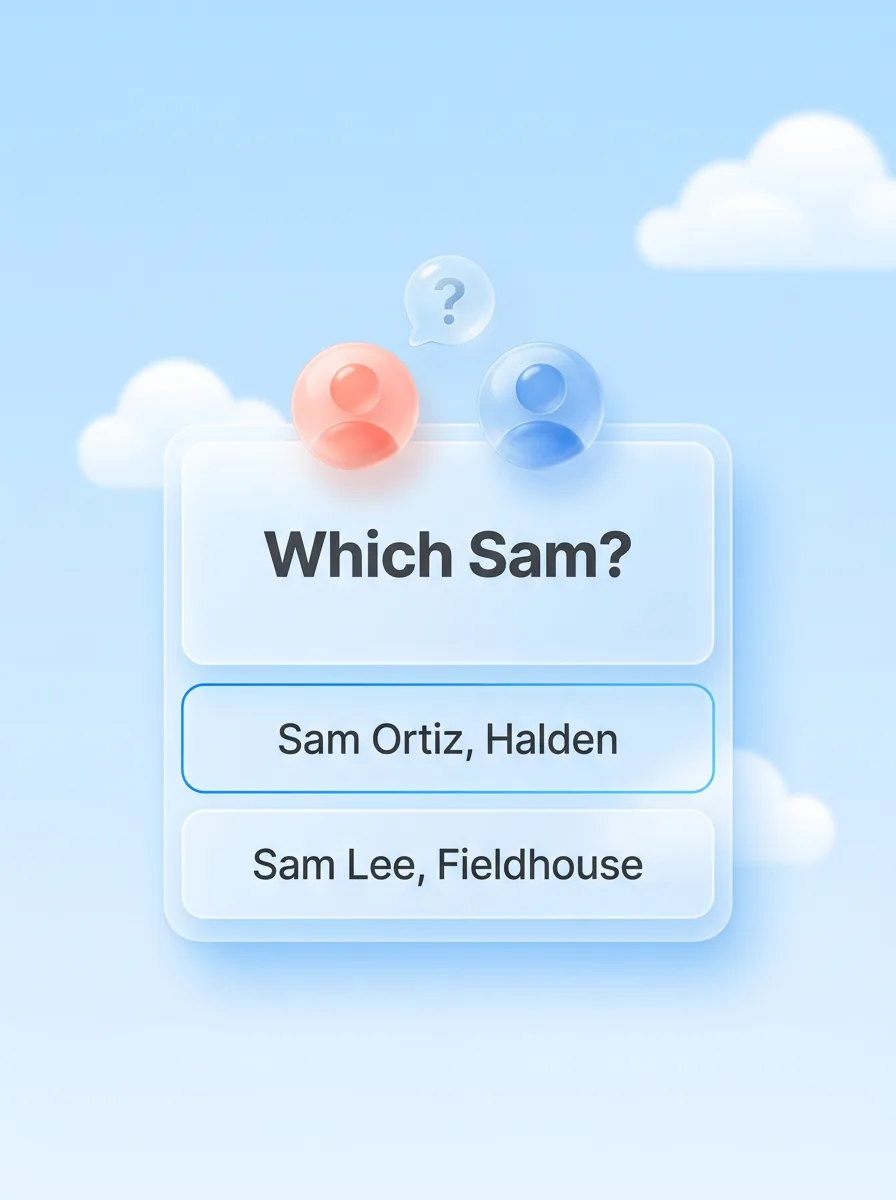
When a name could mean two people, Zyflow sends your AI the candidates and what tells them apart, and your AI asks you which one you mean.
For solopreneurs and one-person businesses
Tell Claude or ChatGPT2 what happened with a client. Zyflow files it on the right customer, keeps the quote and invoice on the same record, and each morning shows you who to call and who owes you.
Running a business on your own means every follow-up, quote and unpaid invoice is yours to remember. A CRM for solopreneurs should keep them in one place without becoming another job. Zyflow is a lightweight small-business CRM your AI app keeps up to date (Claude, Cursor, ChatGPT Business, any MCP app). Every AI change is labeled. Zyflow works with any AI app that supports MCP, the standard way AI apps connect to tools.
Free plan. No card. Connect your AI in about two minutes.
When you work alone, nobody else remembers the callback, the revised quote or the invoice that’s three weeks late. A CRM for solo entrepreneurs only helps if you type each call into it, and the AI you talk to all day forgets your clients between chats. Most of the time, what you really need is a follow-up queue you can trust.
Tell your AI what happened: “Had a call with Maya at Northwind. She wants the revised quote by Friday.” Your AI logs the call and sets the follow-up on the customer you already have, then reads back the date: Fri, 9 Oct. The change shows up labeled, with an Undo.1
Your AI reaches your customer database through Zyflow’s CRM MCP server: one link you paste into your AI app once. Among US small businesses that use AI, 31% use it to manage customer relationships (US Chamber of Commerce, October 2026).
Zyflow doesn’t read your inbox, calendar, calls or WhatsApp. Tell your AI, or paste the thread, and your AI files it after showing you what it found.
Free for one person. Solo covers up to 3 people for $12 a month ($10 billed yearly), Team up to 10 for $30 ($25 billed yearly) and Pro up to 30 for $90 ($75 billed yearly). One price for the whole team, and your AI’s calls are never billed. Prices in US$.
Free needs no card and has no time limit. When an assistant, partner or bookkeeper joins, Solo covers you and up to two more people. AI apps never count as people, so Claude and Cursor can both work in a one-person workspace.

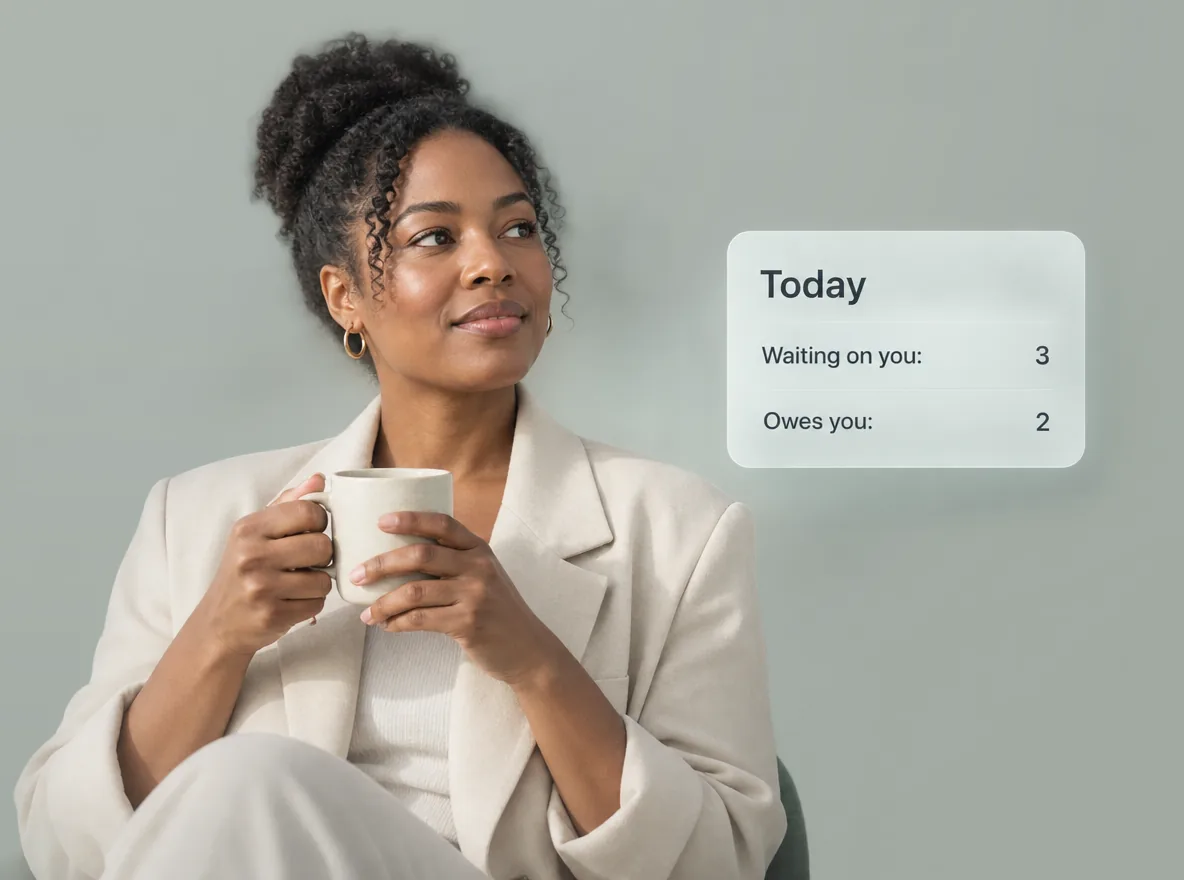
Zyflow lists who to call, who owes you and what’s due today, in your time zone. Ask your AI, or open Today in the web app: it’s the same ranked list.
Your AI gets back one ranked list:
Deals stuck for 14 days or more and customers who’ve gone quiet for 30 days or more get their own cards, on Today and in your AI. The 8am email carries your follow-ups, payments to chase and birthdays.
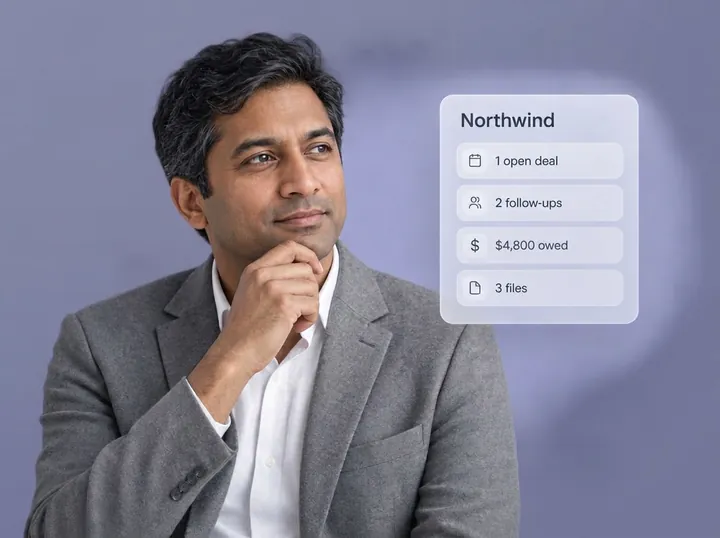
Zyflow records the balance, the promise date and one collection reminder. Tell your AI when Northwind pays, and the reminder closes itself. If the 15th passes first, the payment joins the morning list as a missed promise. You chase money owed from the same client follow-up list as your calls, with no Friday spreadsheet to keep.
Reminders show on Today, in your AI and in the 8am email. Nothing is pushed to your phone. Zyflow sends nothing to your customers. Your AI drafts; you press send.
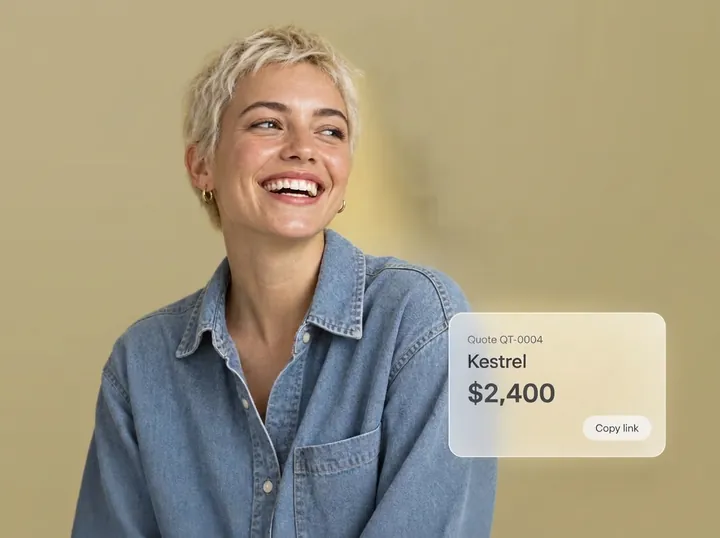
Zyflow is a CRM with invoicing: your quotes and invoices sit on the same customer record as your calls and follow-ups. Ask your AI for one in a sentence, and Zyflow does the numbering and the math.
Try saying:
Zyflow then:
When Kestrel says yes, say “Turn the Kestrel quote into an invoice.” Zyflow marks the quote accepted and copies the customer, lines and currency into a new invoice, so nobody retypes anything. If Kestrel pays in parts, tell your AI each time; what’s left stays in money owed.
Unit prices come from what you or your AI enter; there’s no price list. Zyflow records payments; it doesn’t collect them, and there are no card payment links.
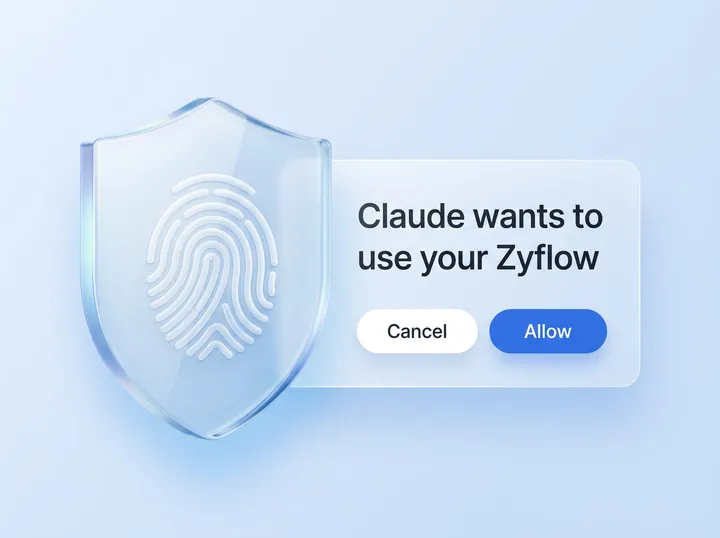
Four guardrails sit on every AI write: Ask. Match. Label. Undo.
When a name could mean two people, Zyflow sends your AI the candidates and what tells them apart, and your AI asks you which one you mean.
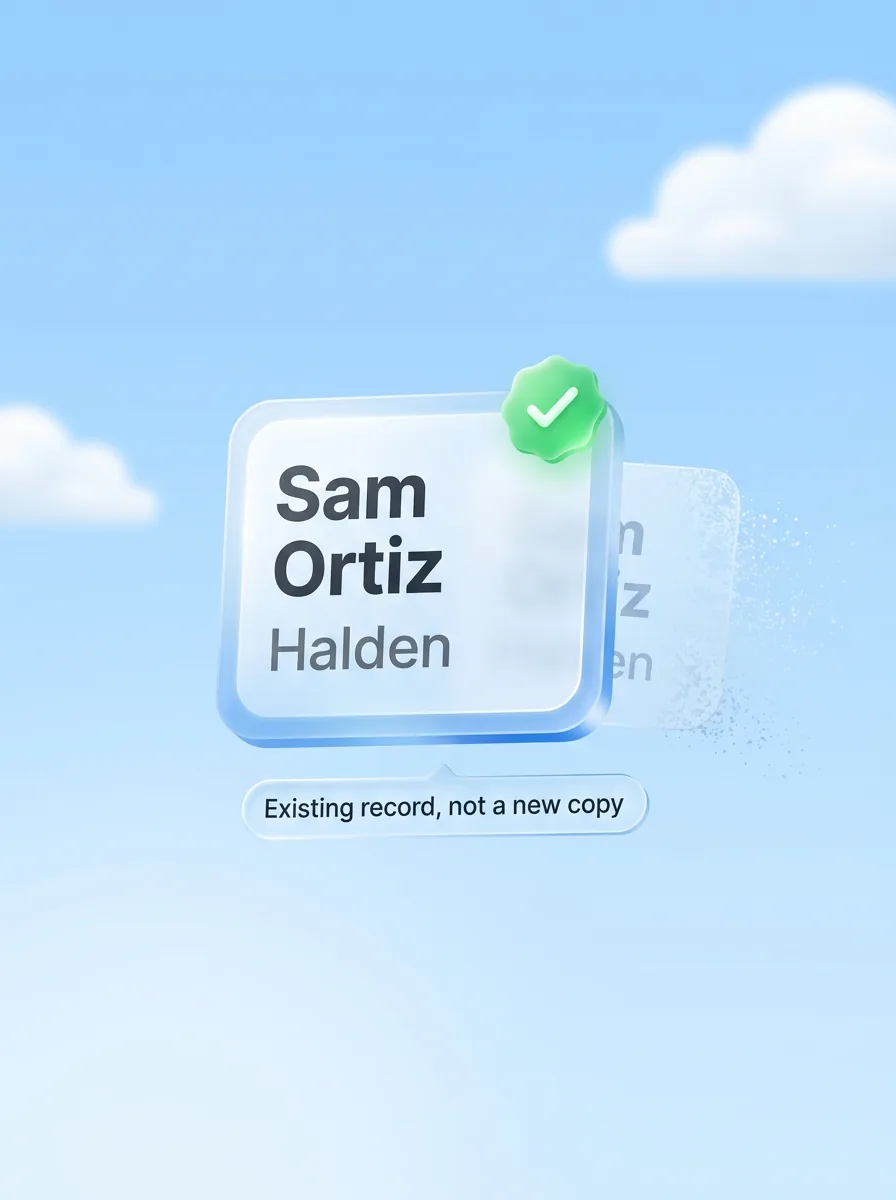
Saves land on the record you already have, not a new copy. Similar names are flagged, never merged automatically.
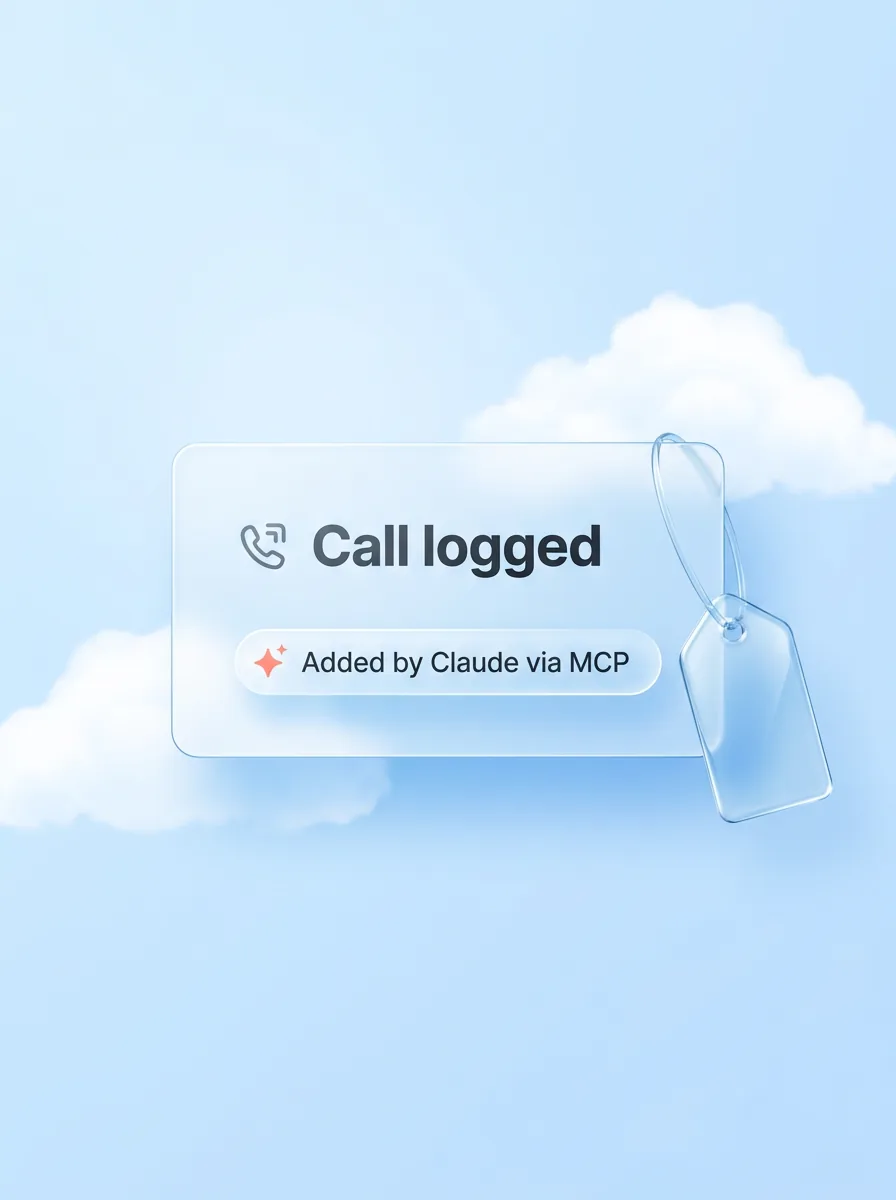
Every change carries the name of the app that made it: “Added by Claude via MCP”.
Each thing your AI does is one change, and one click undoes it, even 40 contacts edited at once.1
Your AI will get things wrong sometimes. Plan for that.
The best CRM for self-employed people keeps clients, follow-ups and money owed together, and makes quotes and invoices that look right where you work. Whether you’re a UK sole trader or a US sole proprietor, Zyflow sets the tax label from your country: VAT in the UK and EU, sales tax in the US, and GST in Australia, Canada and New Zealand.
| Where you work | Tax label | Tax ID label | Paper | Quote heading |
|---|---|---|---|---|
| UK | VAT | VAT number | A4 | Quotation |
| EU | VAT | VAT ID | A4 | Quotation |
| US | Sales tax | EIN | Letter | Quote |
| Canada | GST | Business number | Letter | Quote |
| Australia | GST | ABN | A4 | Quotation |
| New Zealand | GST | GST number | A4 | Quotation |
You can change every default. Not registered for VAT or GST? Leave the default tax rate empty, and new lines carry no tax. Each invoice or quote can use any ISO currency, so you can bill a client abroad in theirs.
one tax rate per line, on prices before tax. Zyflow doesn’t convert currencies, and money totals count only your workspace currency.
UK sole traders with qualifying income over £50,000 have had to use Making Tax Digital for Income Tax since April 6, 2026, and the threshold falls to £30,000 from April 6, 2027 (GOV.UK, updated March 2026). Zyflow isn’t accounting or Making Tax Digital software, so keep your accounting software for that.
An independent sales rep needs a CRM that logs calls and says who to call next, without a sales team’s setup. Tell your AI after each call: it logs the call and sets the follow-up, and Zyflow lists deals that haven’t moved in 14 days. If your day is dialing and email sequences, a sales CRM fits better.
Before a call, ask “What do we know about Kestrel?” and your AI gets one brief: facts, open deals, follow-ups, money owed and recent activity. Move deals on the deals board in the web app, or ask your AI to. Free includes 2 pipelines, for example one for new business and one for repeat clients.
Zyflow has no dialer, email sequences, email sync, forecasting or commission tracking. For that kind of day, Close Solo lists at $9 a month for 1 user and Pipedrive Lite at $14 a seat a month, both billed yearly (checked Oct 2, 2026).
Checked Oct 2, 2026.
The best CRM for solopreneurs is one you’ll keep up to date, so start with where you already spend your day. HubSpot Free suits up to 2 people who want marketing tools in one suite. For a simple web CRM with phone support, look at Less Annoying CRM. Close Solo suits sellers who live on calls and email. Zyflow is for owners who already work in Claude or ChatGPT2 and want quotes, invoices and follow-ups in one record.
| Option | Free plan | Paid entry (billed yearly) | Official MCP server | How AI is billed | Best for |
|---|---|---|---|---|---|
| HubSpot | 2 users, 1,000 contacts | Starter from $7 a seat for new customers ($20 billed monthly) | Yes, read-write, all accounts including Free (since Apr 13, 2026) | HubSpot Credits: 500, 3,000 or 5,000 a month by tier, no carry-over | Up to 2 people who want marketing tools and email sync in one suite |
| Less Annoying CRM | None (30-day trial) | $15 per user, one plan, plus tax | No official MCP | No AI on its pricing page | A simple web CRM with free phone support and no AI |
| Bigin by Zoho | 1 user, 500 records | Express $7 a user ($9 monthly) | Zoho MCP for Bigin, set up in Zoho’s console | AI credits from Premier | The lowest per-user price here, if admin-console setup suits you |
| Close | None (14-day trial) | Solo $9 ($19 monthly), 1 user | Yes, 121 tools | 500 AI credits a month on Solo, no rollover | Sales reps whose day is calls and email |
| Zyflow | 1 person, 5,000 records, with quotes, invoices and files | Solo $10 a month ($12 monthly), up to 3 people | One link for any MCP app; Claude on any plan; ChatGPT writes on Business, Enterprise or Edu2 | Runs no AI; calls never billed, no AI credits | Owners who work in an AI app and want follow-ups, money owed, quotes and invoices in one record |
Where others do better:
We check every competitor fact against the vendor’s own page and date it. Where a competitor does something better, we say so. Spot an error? Tell us, and we’ll fix it.
Free plan. No card.
Copy one of these into your AI app once Zyflow is connected. Plain words work.
They work in Claude on any plan, and in ChatGPT on Business, Enterprise or Edu.2 Setup and more prompts for each app: Claude CRM and ChatGPT CRM.
Zyflow isn’t a fit yet if you need email or calendar sync, card payment collection, SSO or two-factor sign-in, a home for regulated data such as patient records, or more than 30 people.
Zyflow also doesn’t offer e-signature or a client portal, file your taxes, or run as a native phone app (it works in your phone’s browser). And it isn’t for you if you don’t use an AI app.
You need one once follow-ups live in three places: your head, your chat history and a spreadsheet you update on Fridays. For a one-person business, a CRM only works if updating it takes less effort than skipping it. With Zyflow, that’s one sentence to the AI app you already have open.
It depends on whether you need room for more people, more records, or quotes and invoices. HubSpot Free covers 2 users and 1,000 contacts, and Bigin Free covers 1 user and 500 records. Attio Free and Zoho CRM Free each cover 3 users, with 50,000 and 5,000 records. Zyflow Free covers 1 person and 5,000 contacts, companies and deals, and includes quotes, invoices, a files drive and undo on AI changes,1 with no time limit.
Zyflow is free for one person, with no card and no time limit. When an assistant, partner or bookkeeper joins, Solo covers up to 3 people for $12 a month, or $10 a month billed yearly, for all of them. AI apps never count as people, so Claude and Cursor can both work in a one-person workspace.
Yes. Each invoice or quote can use any ISO currency, and the tax label follows your country: VAT, GST or sales tax. Each line takes one tax rate, on prices before tax, and Zyflow doesn’t convert currencies.
No. Zyflow records payments and makes invoices, quotes and letters, but it doesn’t do bookkeeping, reconciliation or tax returns, and it isn’t Making Tax Digital software. Keep your accounting software for those.
Claude Free, yes: Claude works on every plan, and Claude Free allows one custom connector, which is all Zyflow needs. Writing to Zyflow from ChatGPT needs developer mode on Business, Enterprise or Edu (checked October 2026). There’s more in the guide on how to use ChatGPT as a CRM.
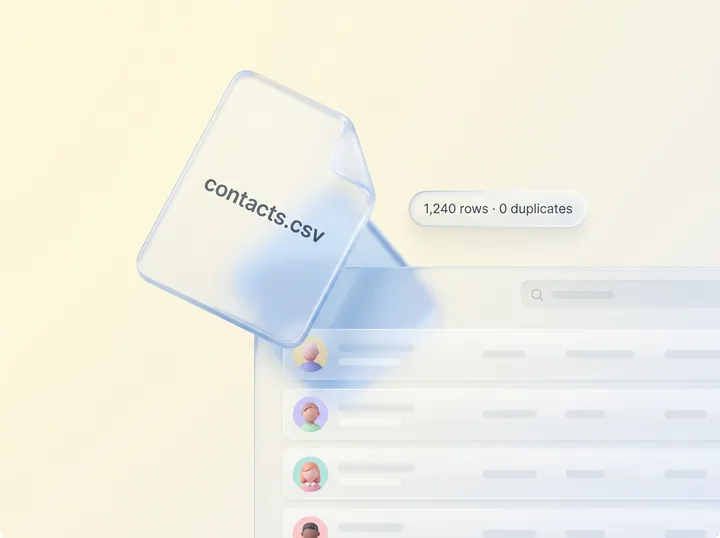
Yes. Import a CSV of contacts or companies from any spreadsheet or CRM export. Rows land on records you already have, within your record limit, and the whole file undoes as one change.1 To leave, export your records, documents and history on any plan.
Each AI app you connect gets one workspace, after you sign in and approve. It never gets your password, and it can’t touch billing, members or keys. Zyflow runs no AI model and doesn’t train one on your data. The security page lists what your AI can and can’t touch, and what Zyflow doesn’t have yet.
Last updated Oct 3, 2026
Your AI talks. Zyflow remembers.
If your AI gets something wrong, undo it.1 If Zyflow isn’t for you, export your records, documents and history.
Free plan. No card. Connect your AI in about two minutes.